............................................................................................................................................................................................................................................................
USS Address Manager ConfigurationConfiguring USS Address Manager
13-2
365-360-001R6.0
Issue 1, December 2008
............................................................................................................................................................................................................................................................
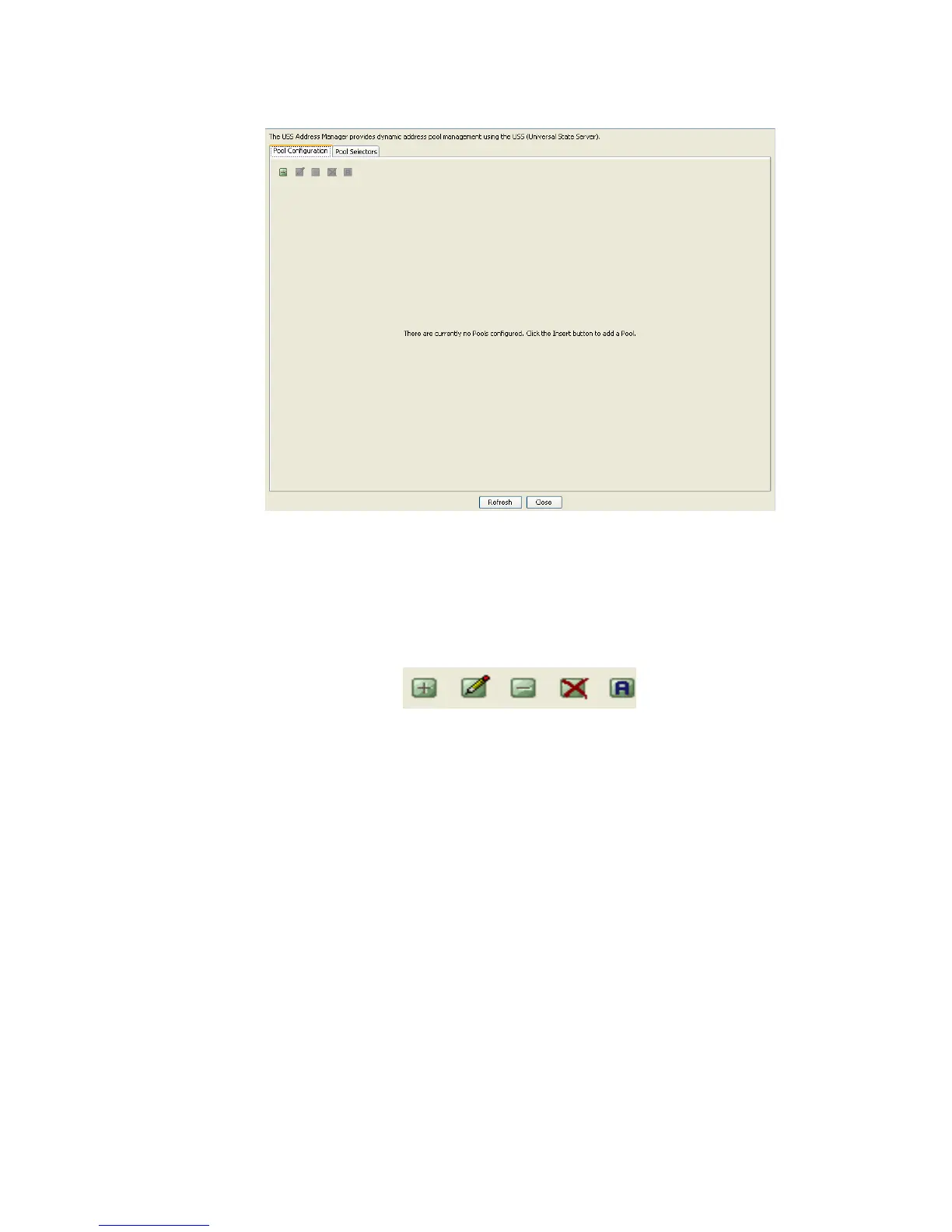
Figure 13-2 USS Address Manager Panel
The USS Address Monitor panel contains two tabs; Pool Configuration and Pool
Selectors.
A set of action buttons, as shown in the Figure 13-3 are also present in the USS Address
Monitor panel.
Figure 13-3 USS Address Manager–Action Buttons
These action buttons allow you to perform the following actions:
• Insert a record
• Edit a record
• Delete a record
• Delete all records
• Toggle the activation of selected pool (Not seen for the Pool Selector tab)
Using the Pool Configuration tab in USS Address Manager Panel
The USS 8950 AAA Address Manager panel with the Pool configuration tab selected is
shown in Figure 13-4.



 To Next Page