USS Address Manager ConfigurationConfiguring USS Address Manager
............................................................................................................................................................................................................................................................
365-360-001R6.0
Issue 1, December 2008
13-5
............................................................................................................................................................................................................................................................
Using the Pool Selectors tab in USS Address Manager Panel
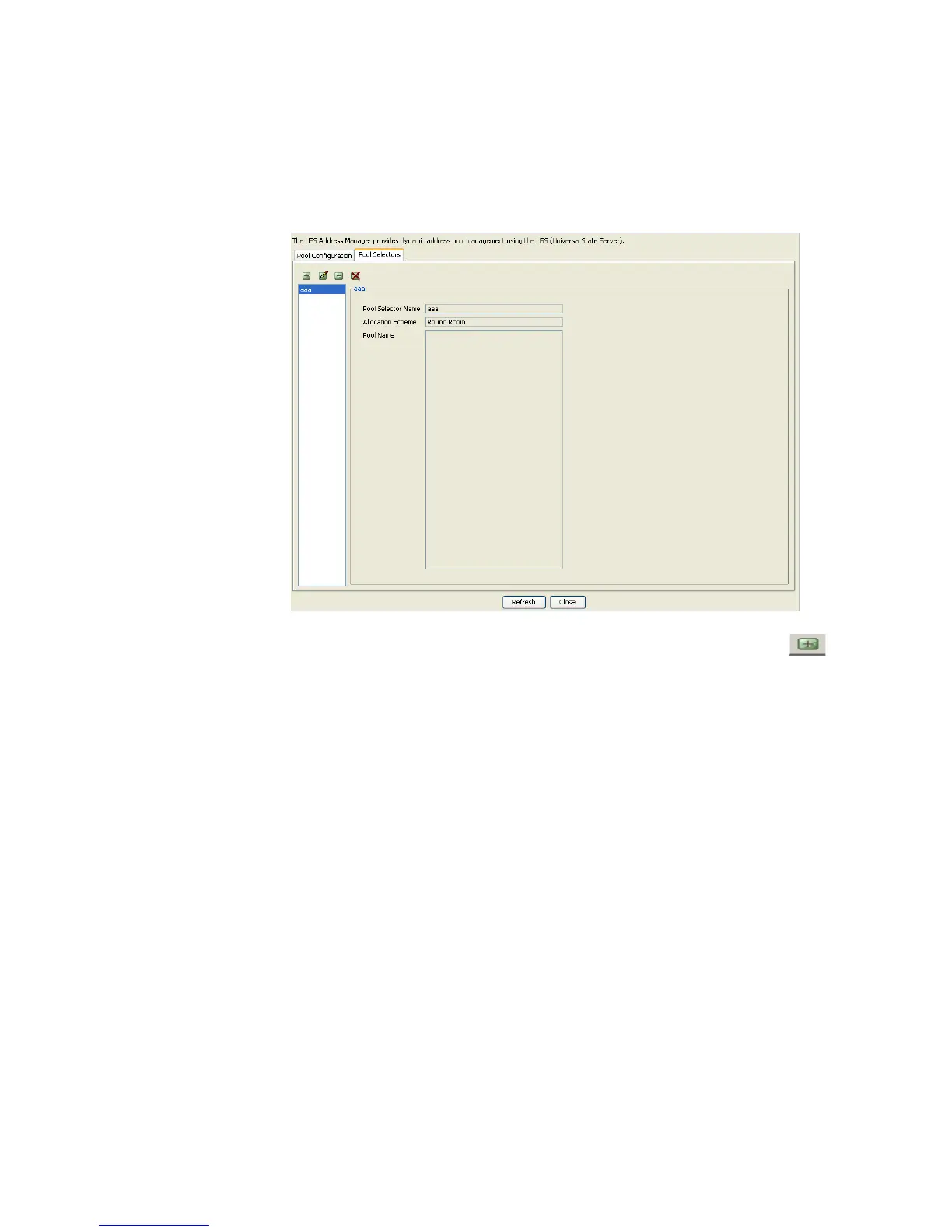
The USS Address Manager panel with the Pool Selector tab selected is shown in
Figure 13-7 selected.
Figure 13-7 USS Address Manager–Pool Selector Panell
On the USS Address Manager panel, click the Pool Selector tab. Click on the action
button. Pool Configuration panel is displayed as shown in Figure 13-2. This panel allows
you add or insert record to the Pool Configuration.
Using the Pool Selector tab to add a record
The Pool Configuration panel allows you to add a record and enter information in the
required fields as shown the Figure 13-8



 To Next Page