The Configure Reports PanelConfiguring Reports
............................................................................................................................................................................................................................................................
365-360-001R6.0
Issue 1, December 2008
15-5
............................................................................................................................................................................................................................................................
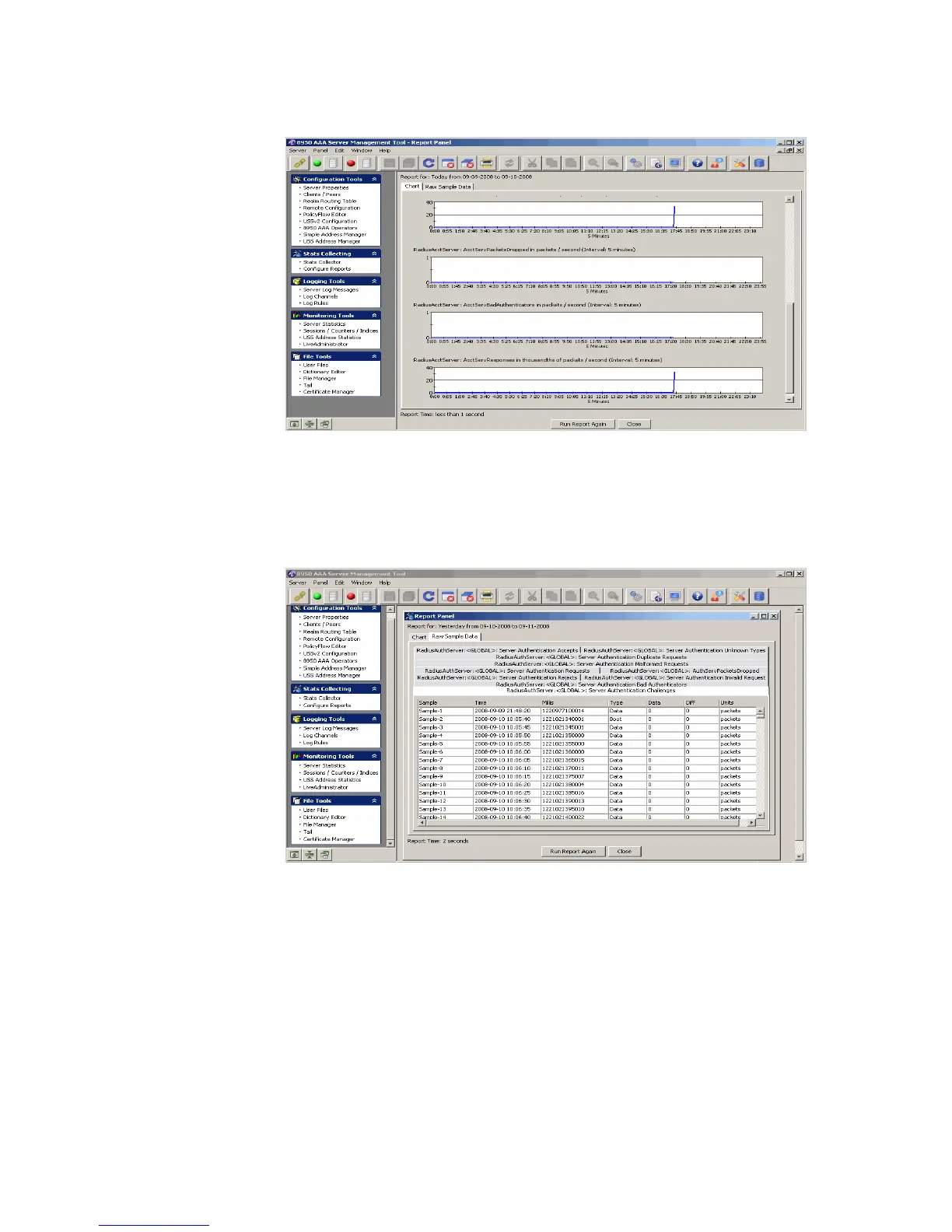
Figure 15-5 Report Panel–Chart tab
This has two tabs. The Chart tab shows the report in graphical format as shown in
Figure 15-5. The Raw Sample Data tab shows the report in the sequenced format, as
shown in Figure 15-6.
Figure 15-6 Report Panel–Raw Sample Data tab
10. Click Run Report Again button to run the report once again.
11. Click Close to close the Report Panel and go back to the Configure Report panel, as
shown in Figure 15-4.
........................................................................................................................................................
E ND OF STEPS



 To Next Page