............................................................................................................................................................................................................................................................
Log ChannelsMessage Logging
16-8
365-360-001R6.0
Issue 1, December 2008
............................................................................................................................................................................................................................................................
Configuring a Log Channel
The following procedure defines the steps of the built-in wizard that configures a log
channel.
1. Select the action button.
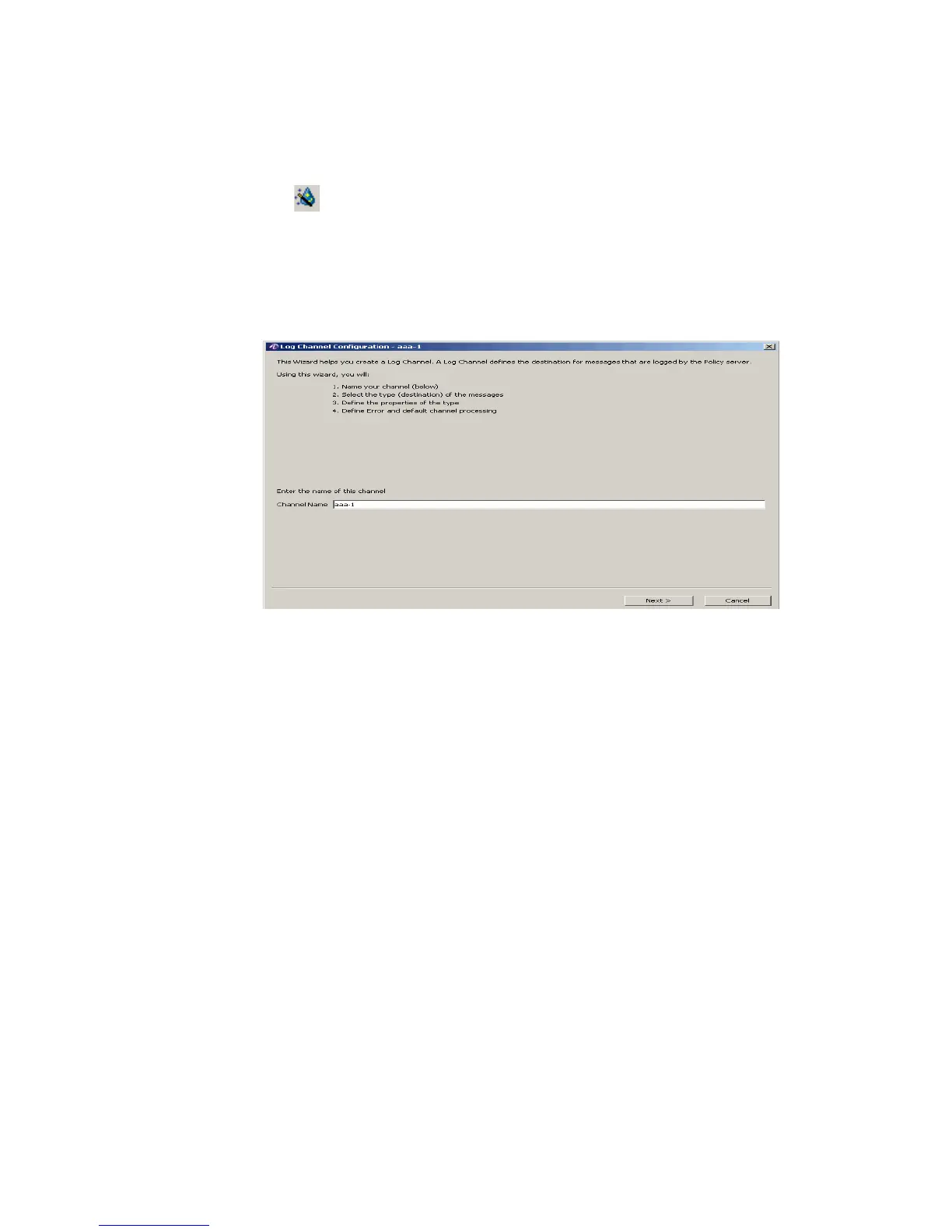
Result: The Log Channel Configuration panel appears showing the first screen of the
configuration panel, as shown in Figure 16-6. This screen prompts to enter the name of
the Log Channel.
Figure 16-6 Log Channel Configuration Panel–Channel name
2. Enter a Log Channel name and click Next.
Result: The Log Channel Configuration panel appears with a list of Output Types, as
displayed in Figure 16-7.
Important! Please refer to “Log Channel Configuration Panel Tabs” on page 14 for a
description of each destination/output type that is listed.



 To Next Page