Log ChannelsMessage Logging
............................................................................................................................................................................................................................................................
365-360-001R6.0
Issue 1, December 2008
16-13
............................................................................................................................................................................................................................................................
Important! Please refer to the section “Log Channel Configuration Panel Tabs” on
page 14, for complete information on the tabs and field descriptions for each
destination type.
4. Select the required properties and if required for your site, select the Advanced tabs
(discussed below) and click Next.
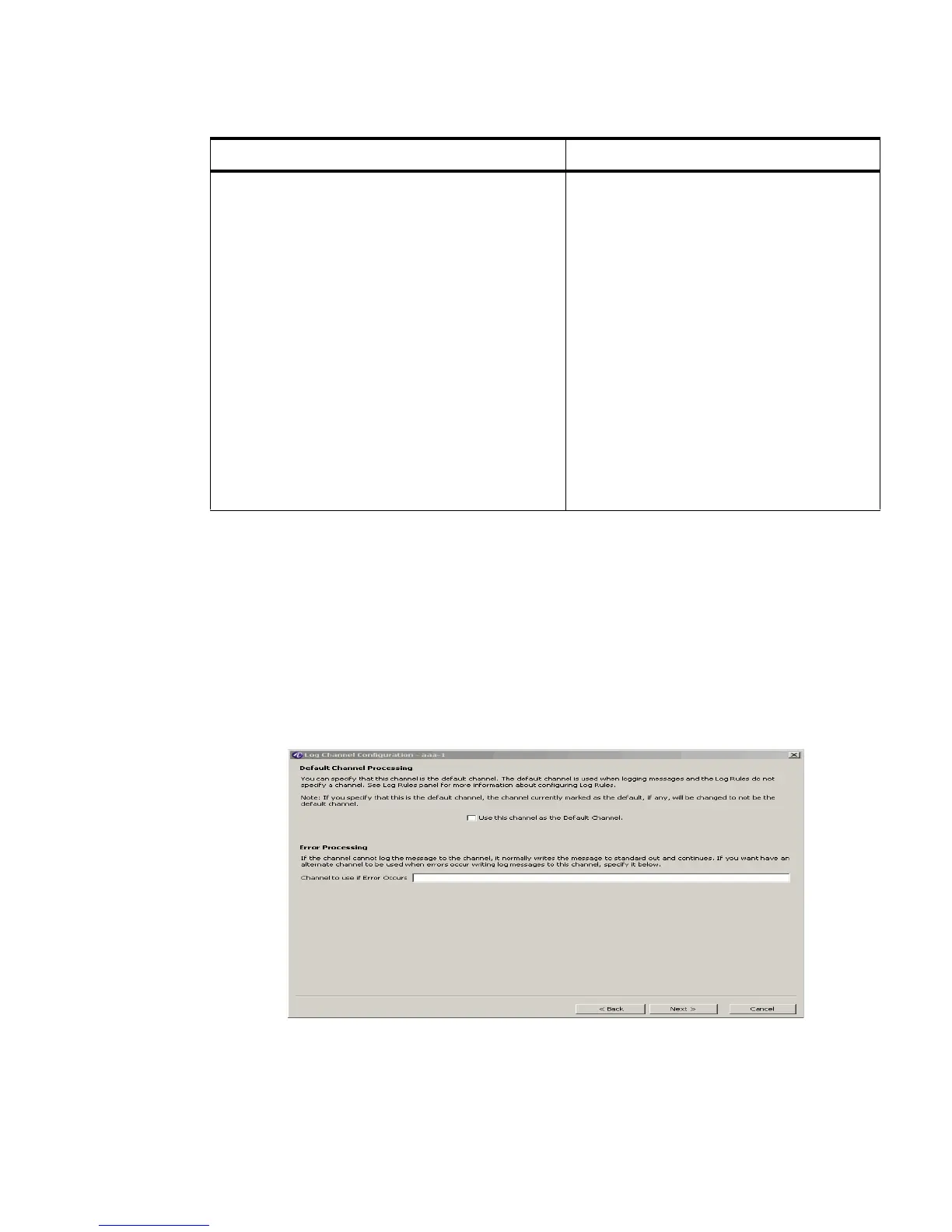
Result: The Log Channel Configuration Default and Error Channel Processing panel
is displayed, as shown in Figure 16-9.
Figure 16-9 Log Channel Configuration Panel–Default and Error Channel Processing
5. You can choose to specify that this channel is the default channel. The default channel
is used when logging messages and the Log Rules do not specify a channel.
Char Set
Defines the character set the 8950 AAA
Server uses when encoding the log
message.
Character sets that are available for
selection:
• 8859_1
•UTF8
• Others supported by Java as specified
Important! For more information about
character sets that support Java, please
refer to the Web page found at the
following URL:
http://java.sun.com/j2se/1.4.2/docs/api/java/ni
o/charset/Charset.html
Table 16-4 Destination/Output Options
Field Name Description



 To Next Page