............................................................................................................................................................................................................................................................
The SMT User Files PanelCreating and Managing User Profiles with Files
19-4
365-360-001R6.0
Issue 1, December 2008
............................................................................................................................................................................................................................................................
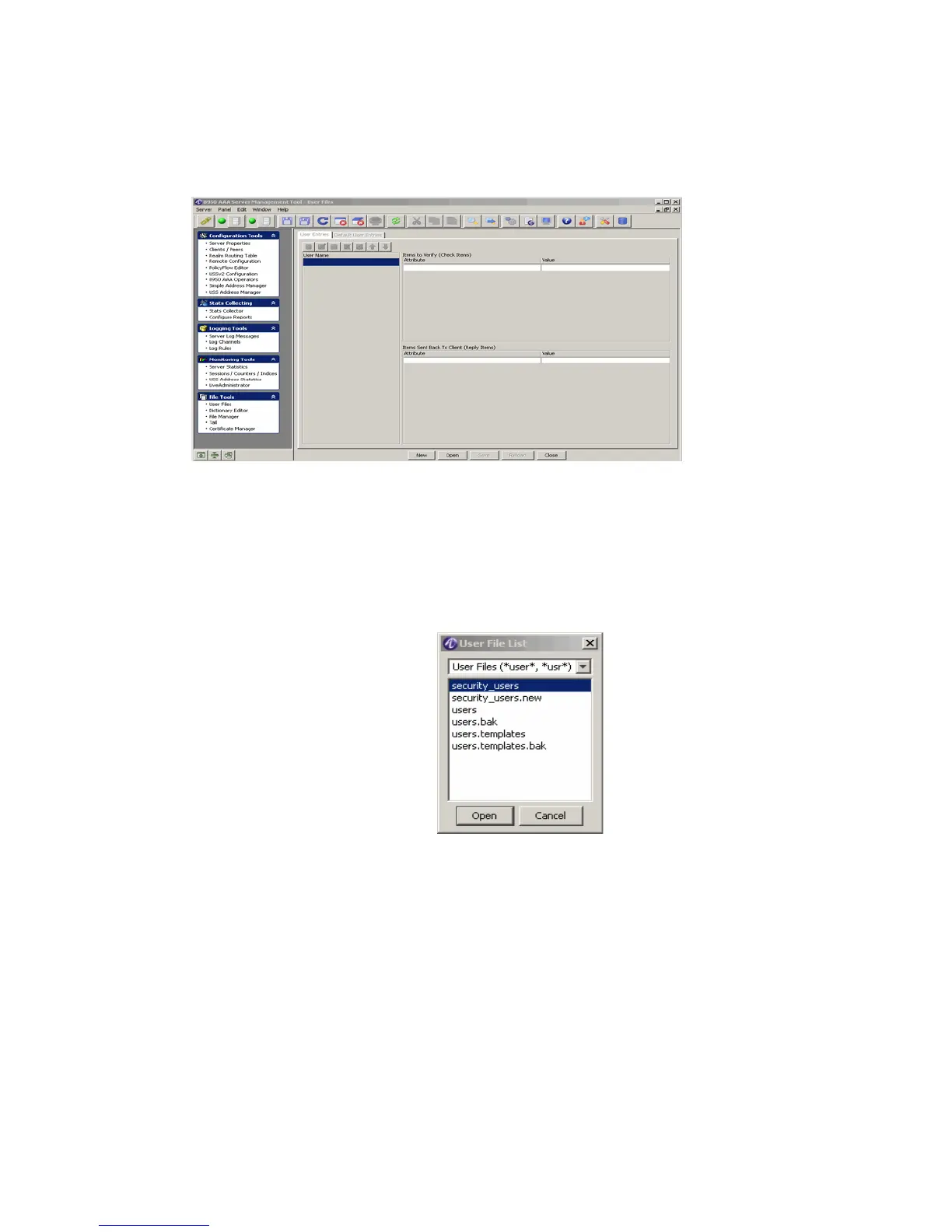
1. Select User Files from the File Tools folder on the Navigation pane. The User Files
panel appears as shown in Figure 19-2.
Figure 19-2 The User Files panel
Important!
Note that the panel title is simply User Files and no file name is listed;
when the User Files panel is first opened, no user file is loaded.
2. If you have defined a user file using the PolicyAssistant, then that file will be listed.
Click Open. The User File List box appears as shown in Figure 19-3.
Figure 19-3 User File List Box
3. Select the user file to load and click Open.
Result: Information about the open file is displayed within the User Files panel. The
User Files panel now shows the details of the selected user file, as shown in
Figure 19-4.



 To Next Page