The SMT User Files PanelCreating and Managing User Profiles with Files
............................................................................................................................................................................................................................................................
365-360-001R6.0
Issue 1, December 2008
19-15
............................................................................................................................................................................................................................................................
Completing the User Profile
The user file shown in Figure 19-13 indicates that the server will only authorize user
Userxyz if he dials 650-555-1212 while using an Asynchronous line (not ISDN) and PPP.
If the server authenticates and authorizes Userxyz, it sends an instruction to the NAS to
assign the user session an IP address from pool 1 (address pools must be configured on the
NAS) and the session is limited in length to one hour.
Click OK to close this dialog and return to the User Files panel.
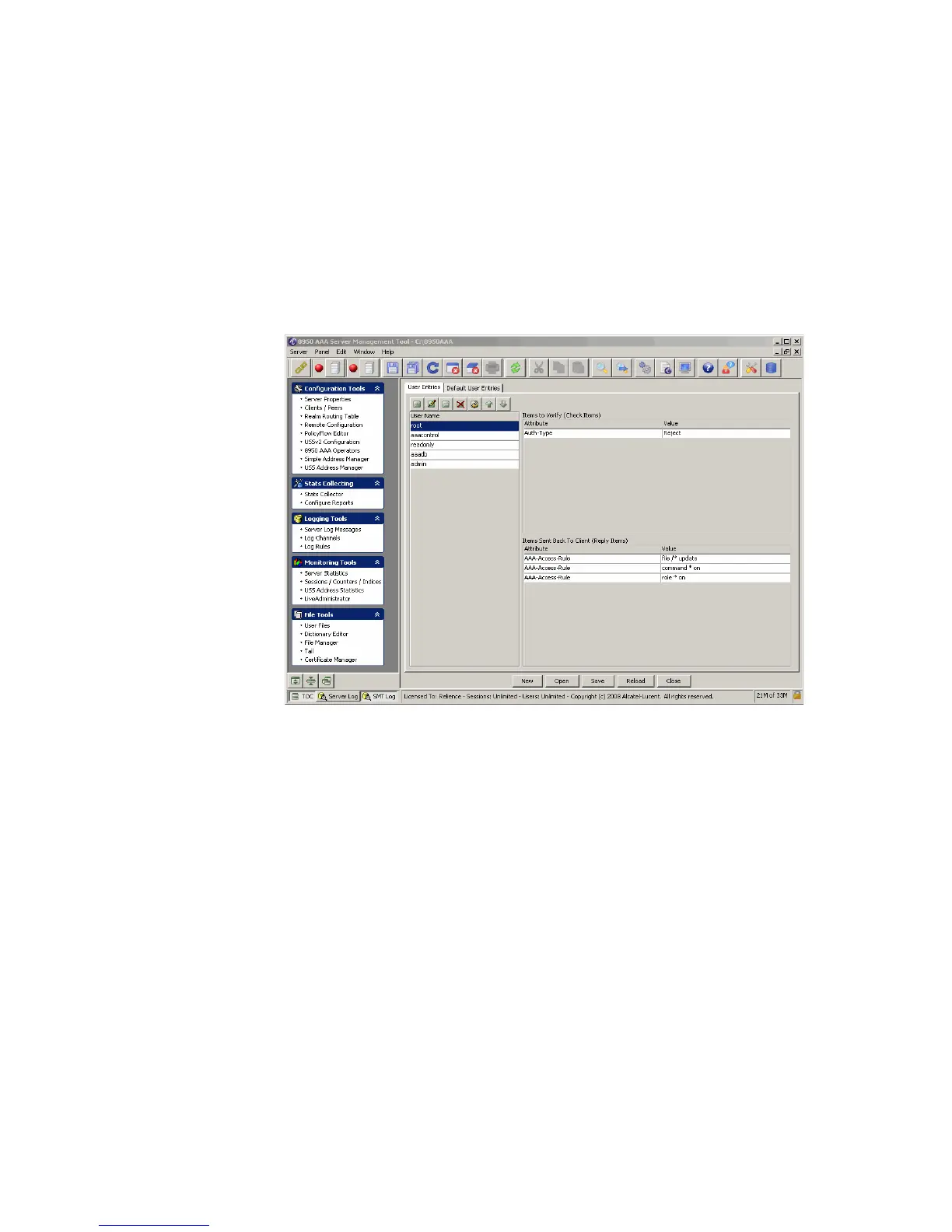
Figure 19-17 User Profile Panel–with selected user profile
Saving Changes to the User Profile
To make any changes to the file permanent, click Save on the Clients panel.
To make changes to the currently running 8950 AAA server, you must click Reload on the
User Files panel.
Important! From the procedures that are described above, it is important to be able
to run the following for each user that is added:
• Adding a New User
• Opening an Existing User Profile
• Setting Verification Attributes for a User
• Setting Reply Attributes for a User
• Adding Comments About a User
• Completing the User Profile



 To Next Page