............................................................................................................................................................................................................................................................
The Server Management Tool User Interface8950 AAA Server Management Tool Overview
2-12
365-360-001 R6.0
Issue 1, December 2008
............................................................................................................................................................................................................................................................
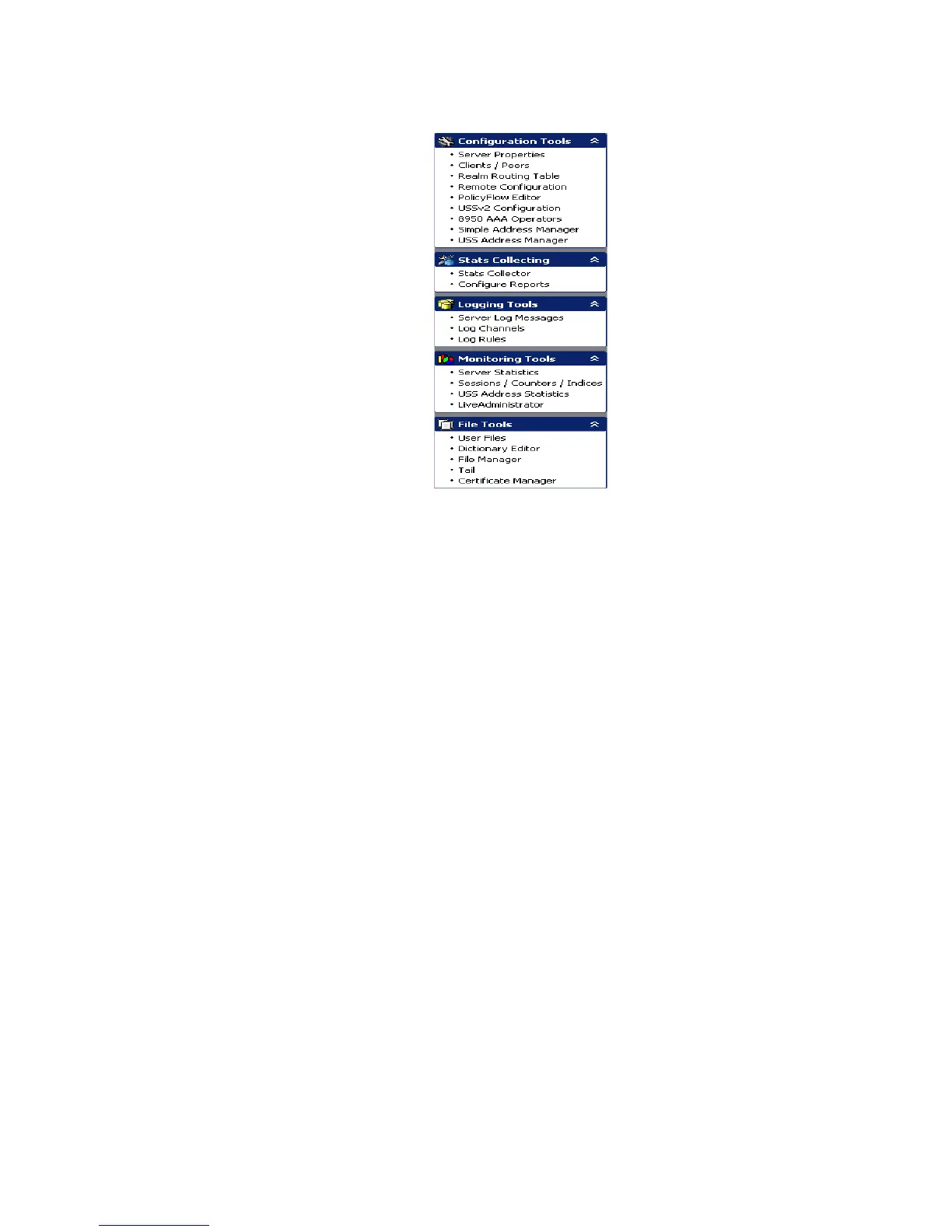
Figure 2-8 SMT–Navigation Pane
There are 5 categories of panels or tools. The navigation pane can be linked to a toolbox
because each panel provides a different tool and each tool can be accessed by selecting the
panel name. The Navigation pane provides ease-of-use for the SMT user because it allows
quick access to any of the listed panels.
Important! Your navigation pane may look slightly different depending upon the
options you have installed and settings in your SMT preferences.
SMT Data Pane
The Data pane is the main area of the SMT window where panels are displayed. It is the
gray area shown in Figure 2-9. Figure 2-10 shows the Data pane with a panel.



 To Next Page