The File Manager PanelManaging files
............................................................................................................................................................................................................................................................
365-360-001R6.0
Issue 1, December 2008
21-9
............................................................................................................................................................................................................................................................
Copy a File
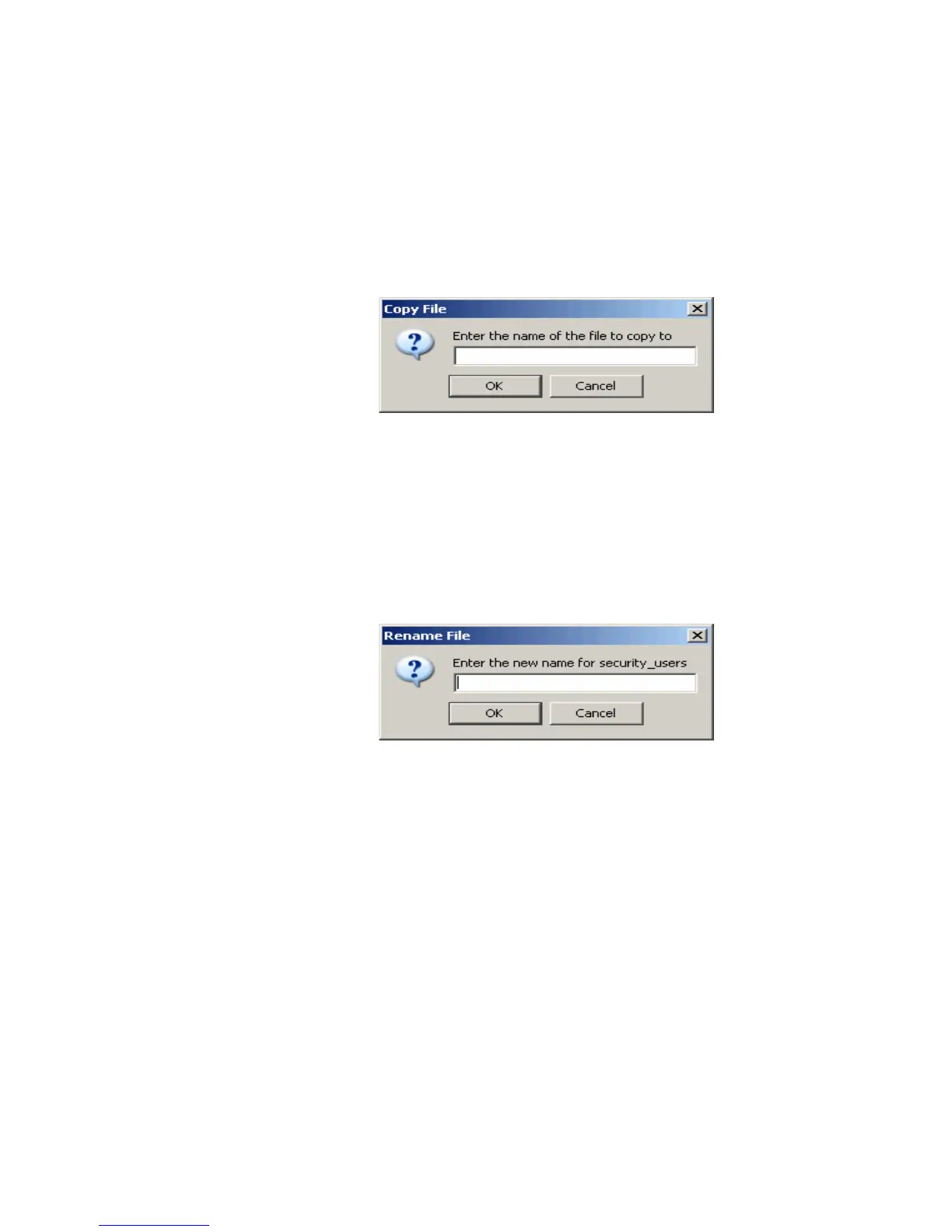
Click Copy to copy the contents of the selected file to a new file.
The Copy File dialog appears (Figure 21-7) requesting a name for the new file. To copy
the file, enter the name and click OK.
The Copied file is saved in Run directory.
Figure 21-7 Copy File Dialog
Rename a File
Select a file you want to be renamed from the File Manager Panel, Figure 21-1, and click
Rename to name or change the name of an existing file.
The Rename File dialog appears (Figure 21-8) requesting the new name of the file. To
rename the file, enter the name and click OK.
Figure 21-8 Rename File Dialog
Delete a File
Select a file you want to be deleted from the File Manager Panel, Figure 21-1, and click
Delete to remove the selected file from the list of files.
The Delete File dialog appears (Figure 21-9) requesting confirmation. To delete the file,
click Yes else click No.



 To Next Page