Ta i l p a n e lManaging files
............................................................................................................................................................................................................................................................
365-360-001R6.0
Issue 1, December 2008
21-11
............................................................................................................................................................................................................................................................
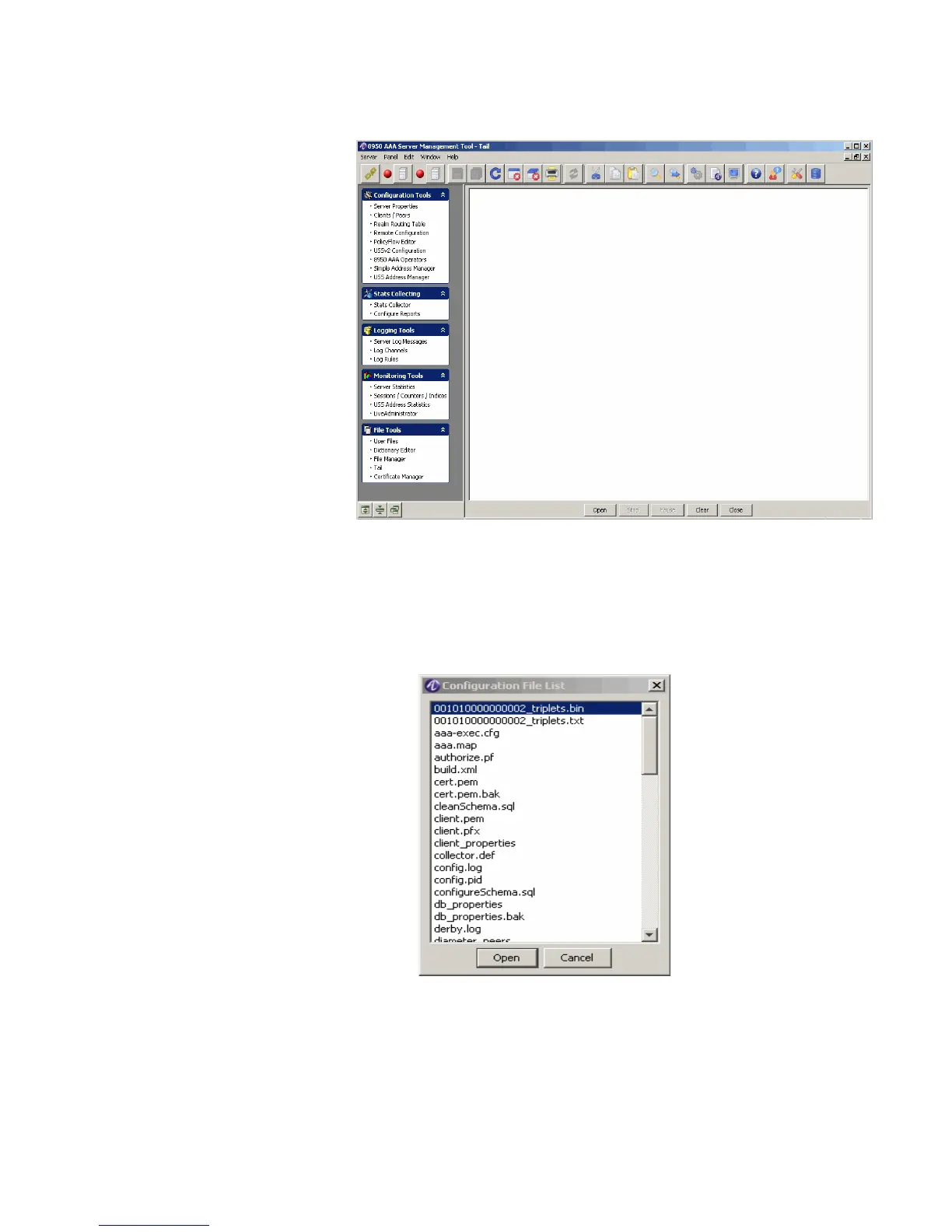
Figure 21-11 Tail Panel
The Tail panel allows you to open an existing file from the list of 8950 AAA files.
2. To open existing file(s), click Open.
Result: The Configuration File List dialog is displayed, as shown in Figure 21-12.
Figure 21-12 Configuration File List
3. Select the required file and click Open.
Result: The Tail panel–with opened file is displayed, as shown in Figure 21-13.



 To Next Page