............................................................................................................................................................................................................................................................
Types of Certificates in Certificate Manager8950 AAA Certificate Manager
22-12
365-360-001R6.0
Issue 1, December 2008
............................................................................................................................................................................................................................................................
Important! The file is overwritten only if it exist before. Otherwise, a new certificate
is created.
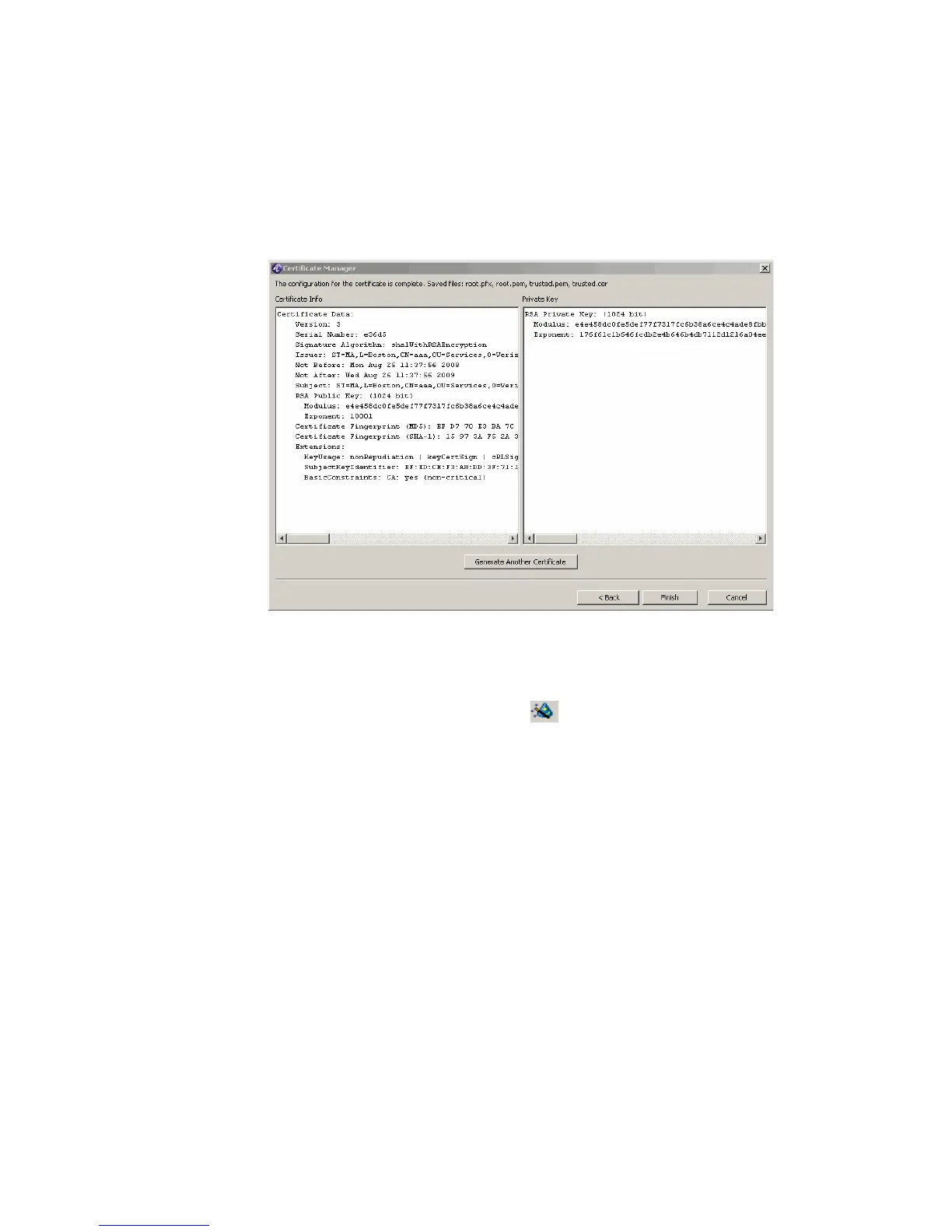
Result: The Root Certificate Type–Certificate Complete dialog is displayed, as shown
in Figure 22-12.
Figure 22-12 Root Certificate Type–Certificate Complete
5. Click Finish to go back to the File Manager panel as shown in Figure 22-2.
Creating a New File for the Server and Client Certificate types
1. Click the Create Certificate action button, .
Result: The New Certificate dialog appears, as shown in Figure 22-10.
2. Select the Certificate Type as either Server or as Client and click Next.
Result: The Server or Client Certificate Type–Subject and Duration dialog is
displayed, as shown in Figure 22-13.



 To Next Page