The Server Management Tool User Interface8950 AAA Server Management Tool Overview
............................................................................................................................................................................................................................................................
365-360-001 R6.0
Issue 1, December 2008
2-15
............................................................................................................................................................................................................................................................
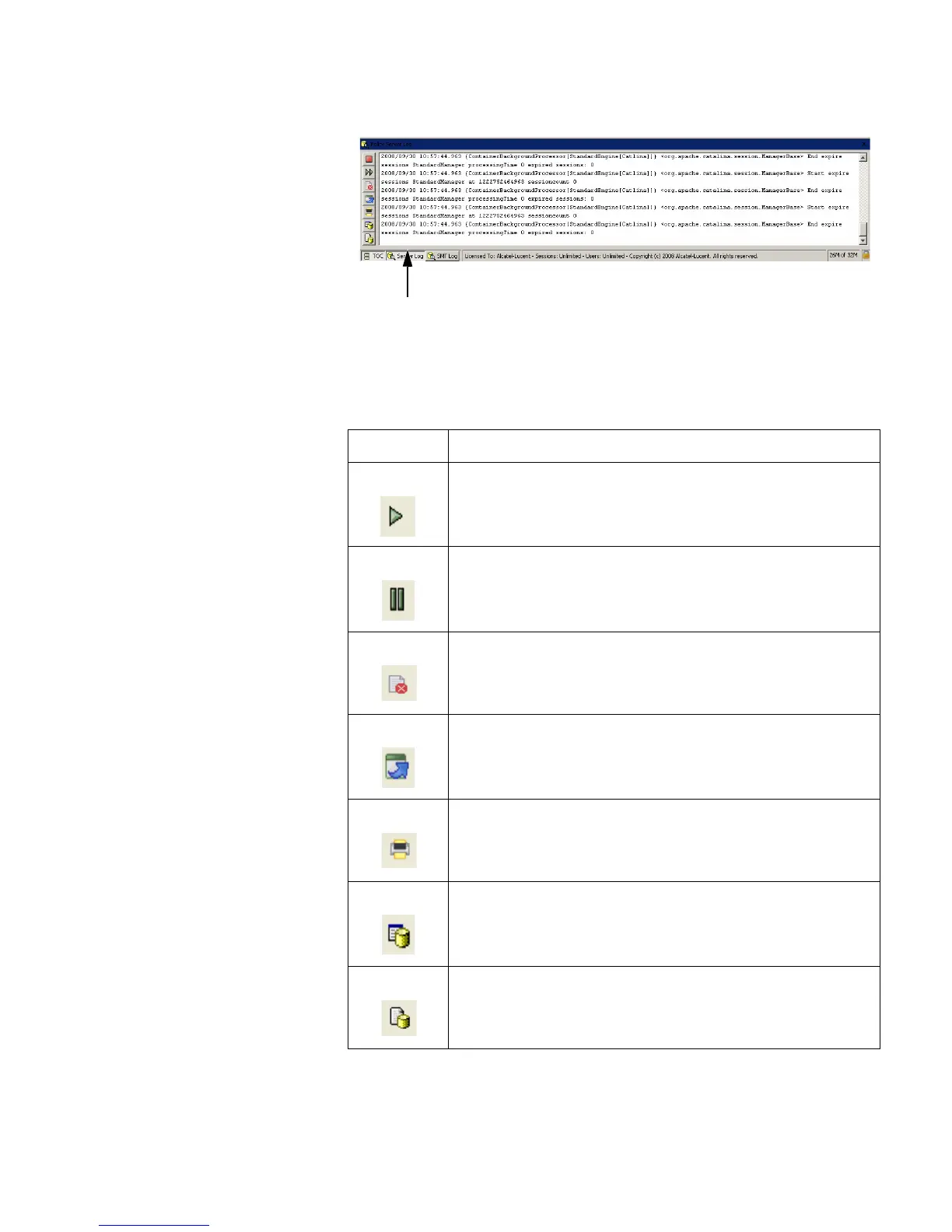
Figure 2-12 SMT–Server Log pane
The SMT server pane contains buttons that are used for executing commands within the
application. The commands are described in Table 2-4.
Table 2-4 SMT Server Pane–Buttons
Buttons Description
Starts monitoring the Log files.
To pause the monitoring process.
Clears the SMT Server log pane.
Opens the log file in a editor window.
Prints the SMT Server pane information/message.
Sets the log to the desired level.
To select the desired log files from the list of log files
displayed. Default is policy.log file.
SMT Server Log



 To Next Page