Creating and Managing User ProfilesCreating and Managing User Profiles with the Built-in
Database
............................................................................................................................................................................................................................................................
365-360-001R6.0
Issue 1, December 2008
23-5
............................................................................................................................................................................................................................................................
As said earlier, the User Profiles Tool is almost the same as the Database Table Tool. To
try out the actions that can be taken on this panel and to understand more about these
functionality, refer to “Understanding the Database Table Tool Panel” on page 6.
Opening the Database Table Tool
To open the database table tool:
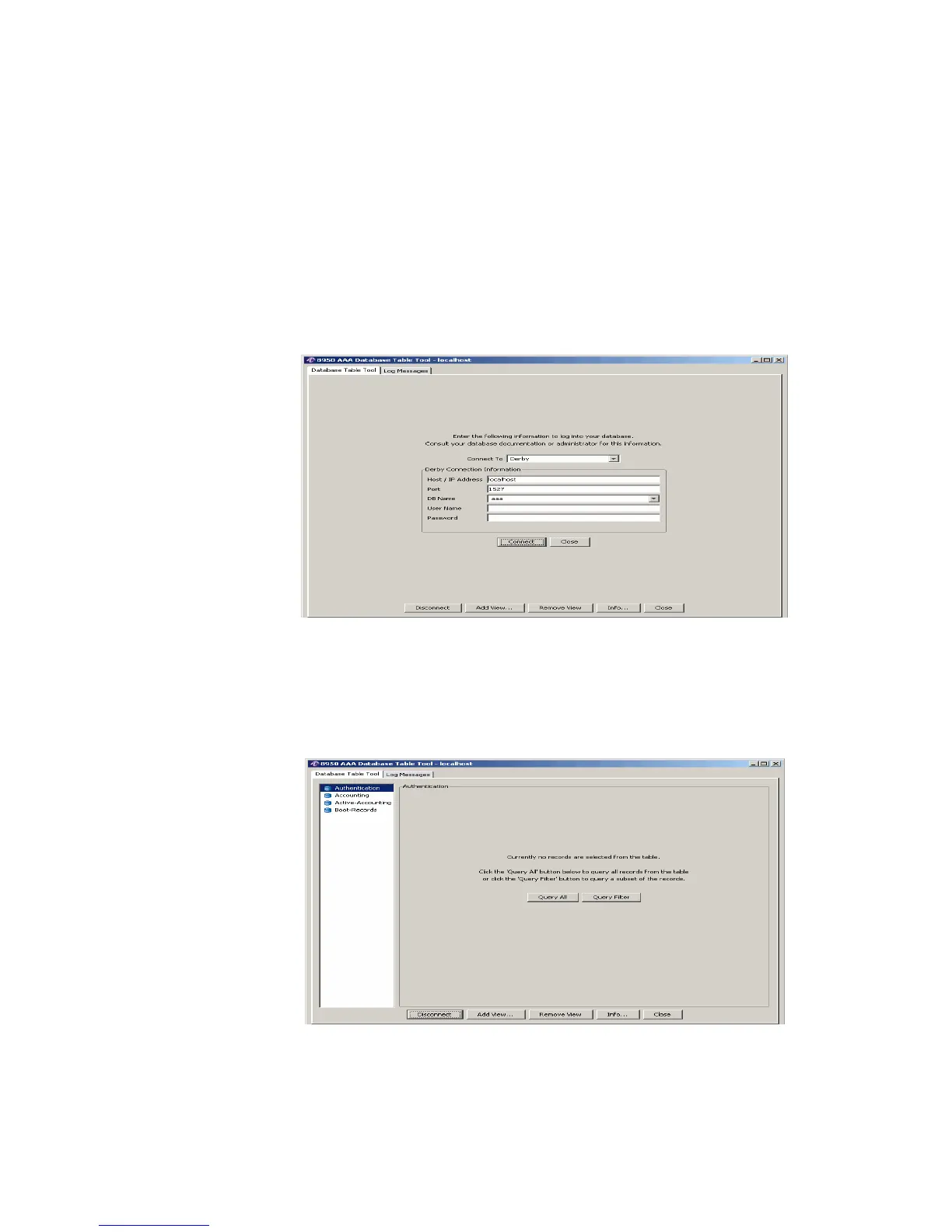
1. Click the Database button and select the Database Table Tool... option. The Database
Table Tool connection panel is displayed, as shown in Figure 23-5.
Figure 23-5 Accessing the Database Table Tool Panel
2. Select the appropriate DB Name, enter the User Name, and Password.
3. Click Connect. The Database Table Tool–options panel appears as depicted in
Figure 23-6.
Figure 23-6 Database Table Tool Panel–options
4. Select the Database Table Tool tab and click Query ALL. The Database Table Tool
panel appears as depicted in Figure 23-7.



 To Next Page