Creating and Managing User ProfilesCreating and Managing User Profiles with the Built-in
Database
............................................................................................................................................................................................................................................................
365-360-001R6.0
Issue 1, December 2008
23-9
............................................................................................................................................................................................................................................................
Panel Modification Buttons are listed in Table 23-1 on page 7.
Insert a Record within the Current Panel
To create a new record within the current table, perform the following steps:
1. Click the Insert action button.
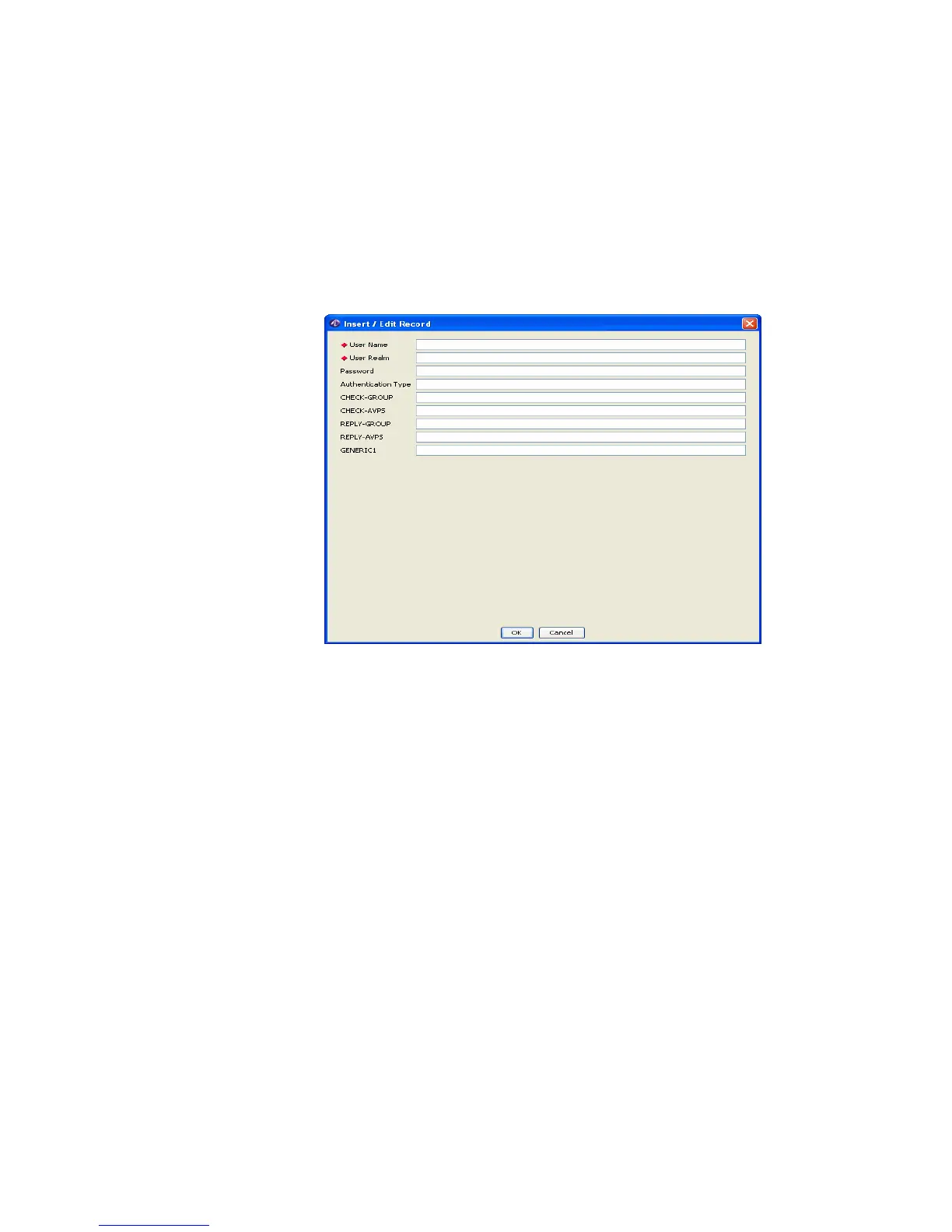
Result: The Insert/Edit Record window appears as shown in Figure 23-9.
Figure 23-9 DB Table Too–Insert/Edit Record
2. Enter information into the required fields, User Name, User Realm. Enter
information into the non-required fields as desired.
3. Select OK or Cancel.
Click OK to accept the new record data. A confirmation prompt appears indicating
that the table will be updated.
Click Cancel to reject the new record.
In either case, return is made to the previous screen.
Edit a Record
To edit a record within the current table, perform the following steps:
1. Select the record to edit.
2. Click the Edit action button.
Result: The Insert / Edit Record window appears showing the fields of the selected
record as shown in Figure 23-10.



 To Next Page