............................................................................................................................................................................................................................................................
Creating and Managing User ProfilesCreating and Managing User Profiles with the Built-in
Database
23-14
365-360-001R6.0
Issue 1, December 2008
............................................................................................................................................................................................................................................................
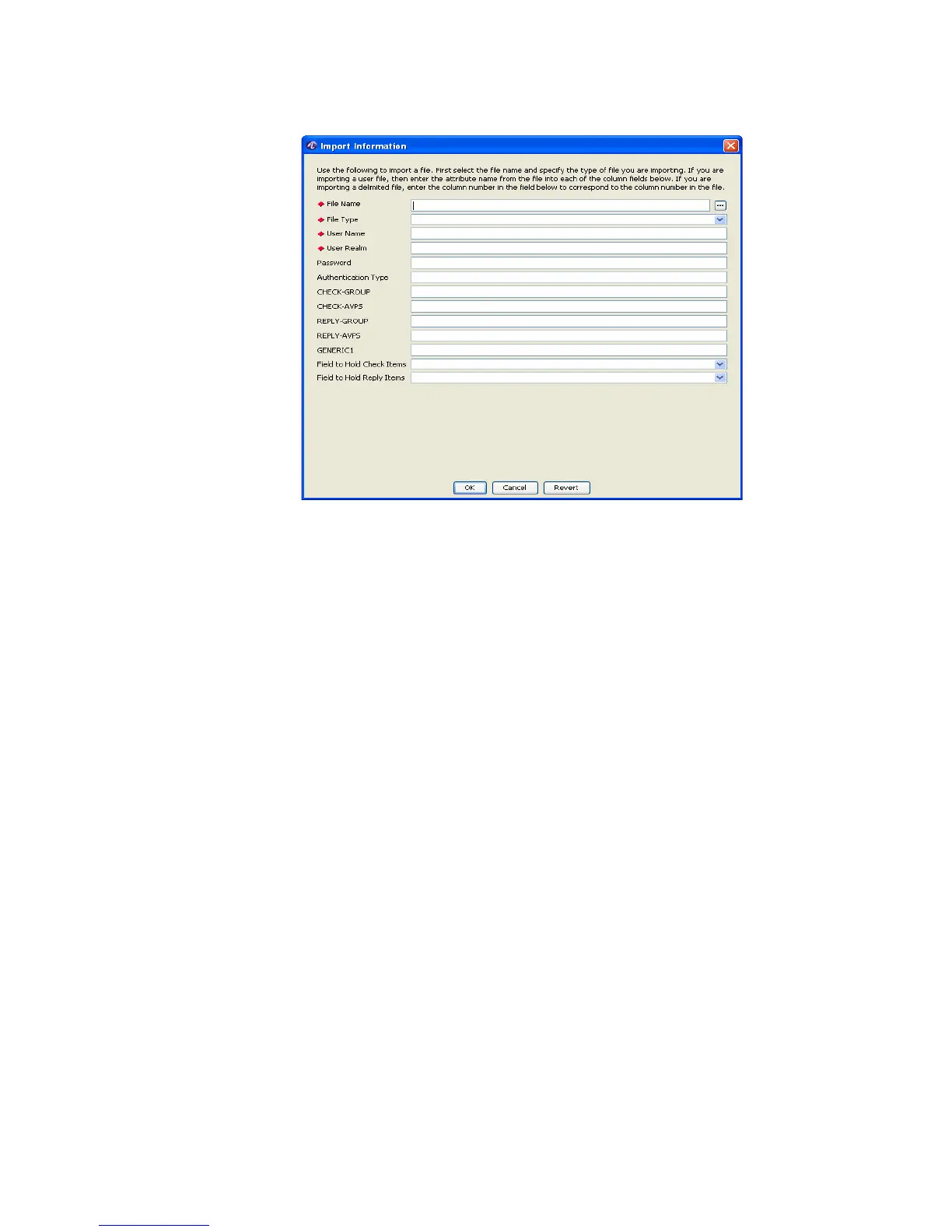
Figure 23-14 DB Table Tool–Import Information
2. Enter data in the required fields.
File Name requires an absolute directory path that may be typed within the field or
selected using the browse button that follows the field.
Set the value of File Type by choosing one of the list items of this field, as shown in
Figure 23-15. EnterIf you intend to import a user file, then enter the attribute name
from the file into each of the column fields. If you wish to import a delimited file, enter
the column number in the field to correspond to the column number in the file.



 To Next Page