............................................................................................................................................................................................................................................................
Understanding Database SQL ToolCreating and Managing User Profiles with the Built-in
Database
23-20
365-360-001R6.0
Issue 1, December 2008
............................................................................................................................................................................................................................................................
Opening the Database SQL Tool
To open the Database SQL tool:
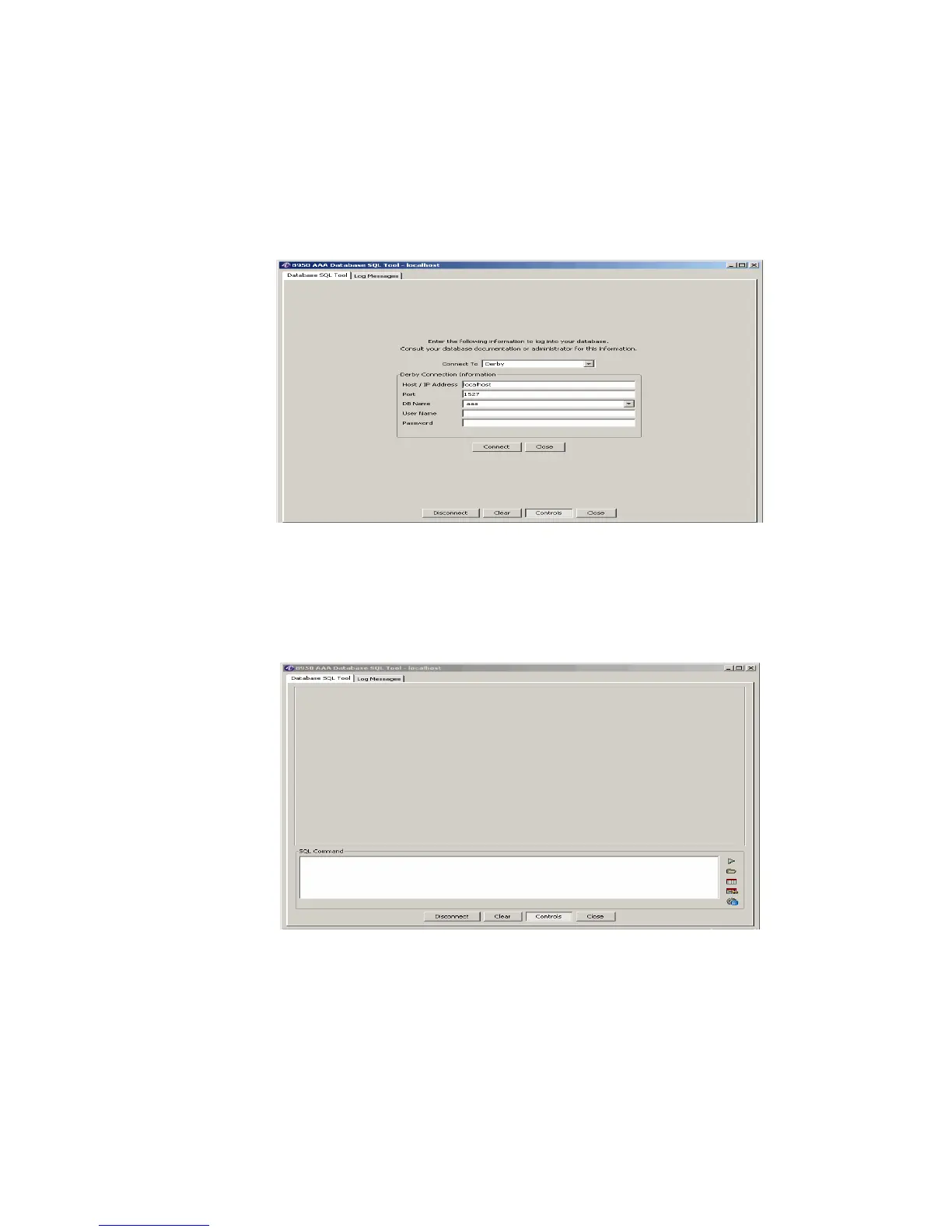
1. Click the Database button and select the Database SQL Tool... option. The Database
SQL Tool connection panel is displayed, as shown in Figure 23-21.
Figure 23-21 Accessing the Database SQL Tool Panel
2. Select the appropriate DB Name, enter a User Name, and Password.
3. Click Connect. The Database SQL Tool–Blank screen panel is displayed as shown in
Figure 23-22.
Figure 23-22 Database SQL Tool Panel–Blank screen
Important!
The display area will be blank as no data is selected or no SQL
command is executed. Use the action buttons in the right side of the SQL Command



 To Next Page