Managing Hypersonic Database UsersCreating and Managing User Profiles with the Built-in
Database
............................................................................................................................................................................................................................................................
365-360-001R6.0
Issue 1, December 2008
23-23
............................................................................................................................................................................................................................................................
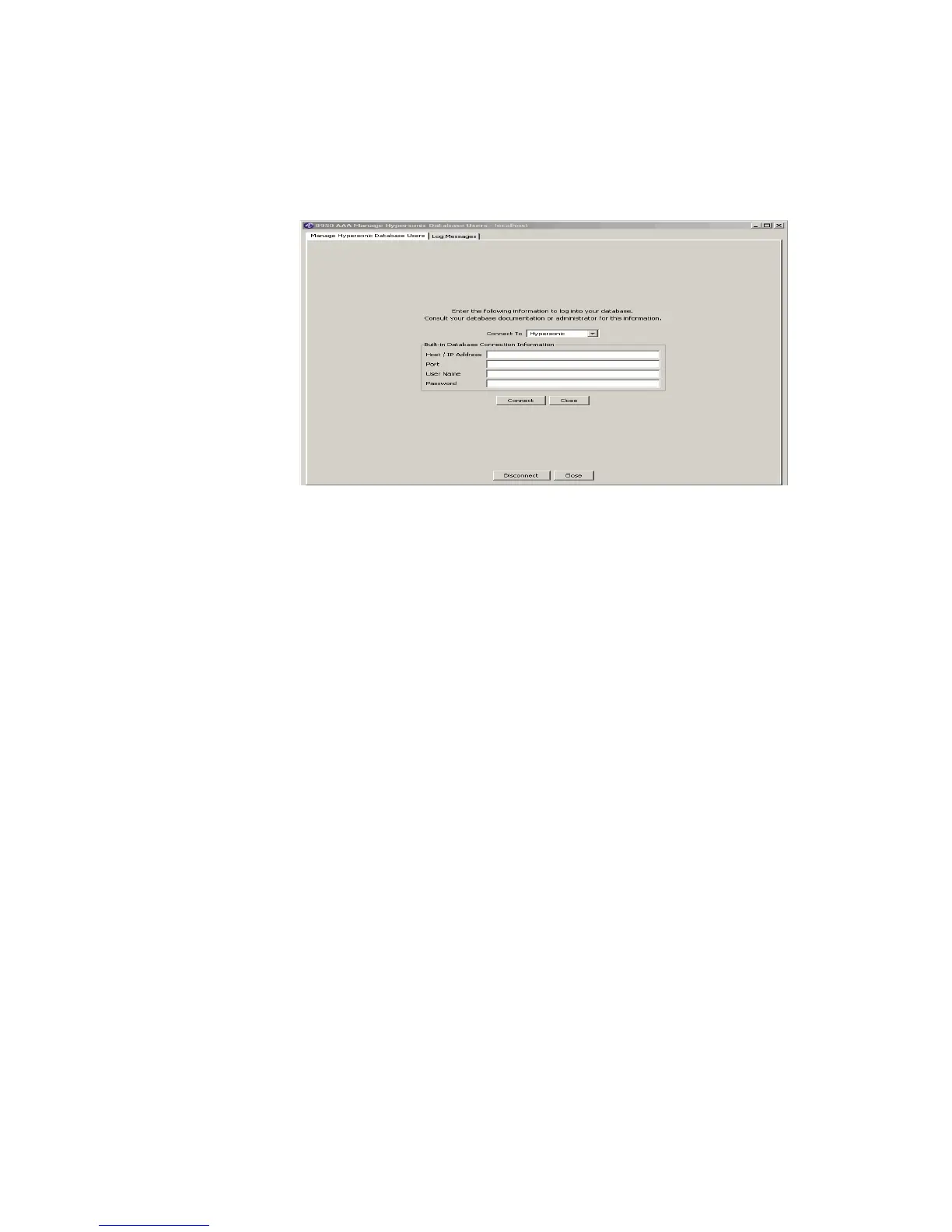
1. Click the Database button and select the Manage Hypersonic Database Users...
option. The Manage Hypersonic Database Users connection panel is displayed, as
shown in Figure 23-24.
Figure 23-24 Manage Hypersonic Database Users connection Panel
2. Specify appropriate Host / IP Address, Port, User Name, and Password.
3. Click Connect to go to the Hypersonic Database Users Tool panel.
Important! The Hypersonic Database Users Tool is almost the same as the Database
Table Tool. For more information, refer to “Understanding the Database Table Tool
Panel” on page 6.
........................................................................................................................................................
E ND OF STEPS



 To Next Page