25 26
Volume keys
• In call mode, adjusts the earpiece or headset
volume.
• In Music/Video/Streaming mode, adjusts the
media volume.
• In general mode, adjusts the media volume.
• Mutes the ringtone of an incoming call.
• In camera preview mode, press the Volume up
or down key to take a photo or press and hold
to take burst shots.
• Double-press the Power key to open the
camera.
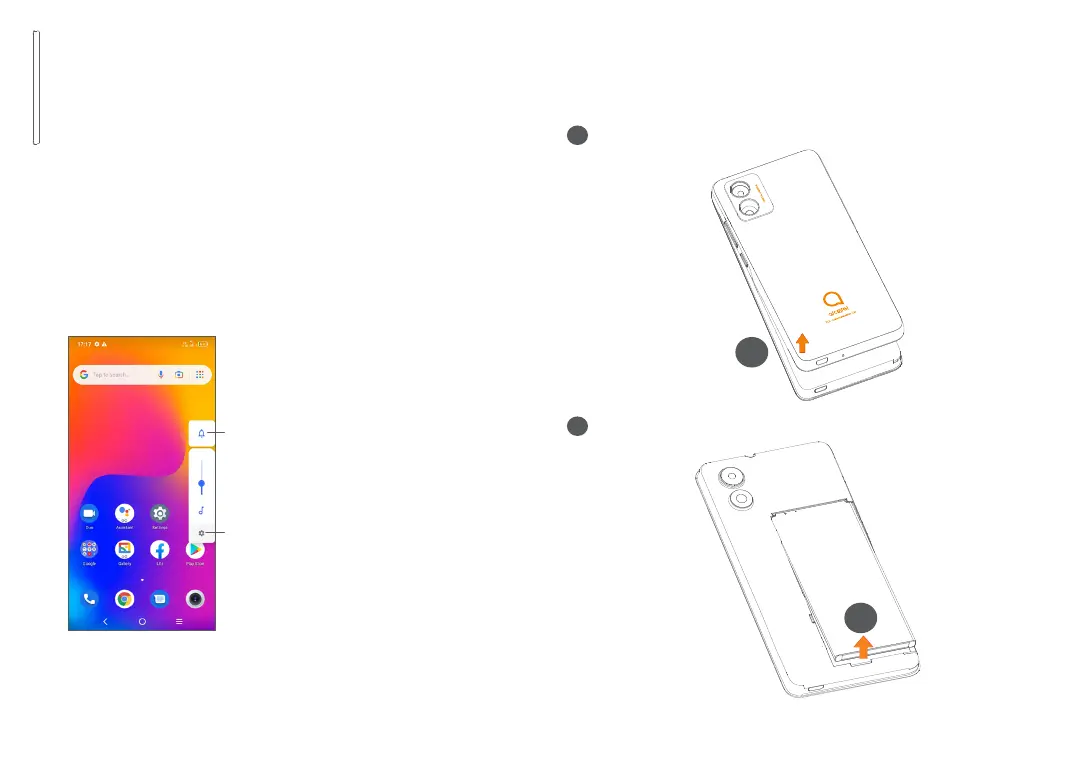
Touch to switch between
Sound, vibrate and Mute
Touch to adjust the volume
of media, calls, ringtones,
alarms or notifications
1.2 Getting started
1.2.1 Setting up
1
Removing or installing the back cover.
1
2
Installing or removing the battery.
2



 To Next Page