63 64
5.3 Music .................................................
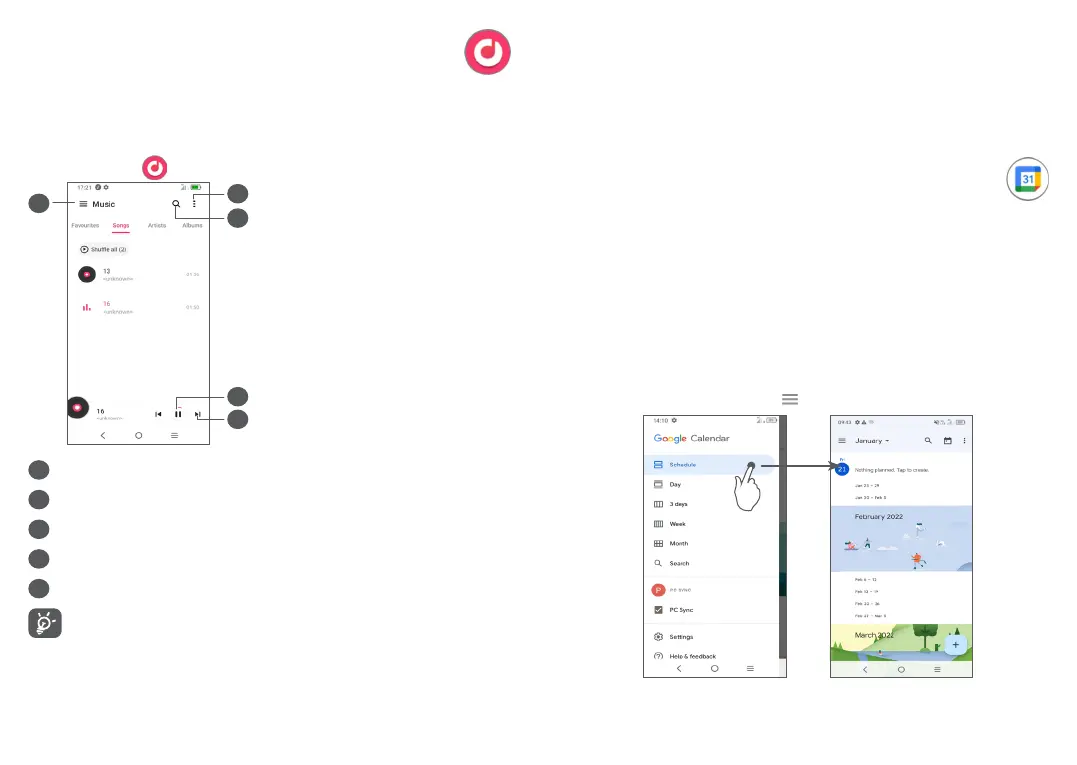
You can play music files stored on your phone or
microSD card.
To play a music file, swipe up on the Home screen, then
touch Music .
1
5
2
3
4
1
More options
2
Search for a song
3
Play or pause
4
Play the next song
5
Music settings
While playing songs with Music, the operation of
pause, play or skip is still available even if the
screen is locked.
6
Calendar, Clock, and
Calculator .................................
6.1 Calendar .............................................
You can use Calendar to keep track of important
meetings, appointments, etc.
To view the calendar and create events, open Google
apps folder from Home screen, then touch Calendar.
6.1.1 Multimode view
You can display the Calendar by Schedule, Day, 3 days,
Week, or Month, touch to select.



 To Next Page