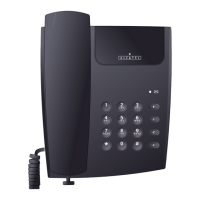
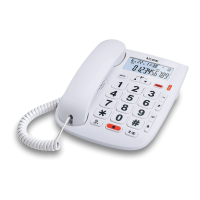
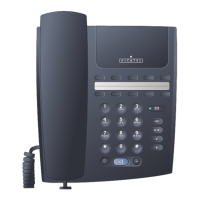
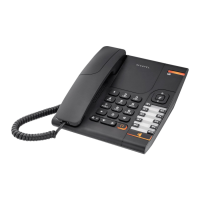
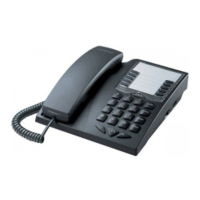
2315 Hotel set
The manufacturer reserves the right to modify any product characteristics without prior notice.
RCS Nanterre 390 546 059
6
♦ Press HOLD button. A long beep is generated. The Speakerphone led ❷ flashes.
♦ To retrieve the call, just press the HOLD key again
6. HOLD TRANSFER
A call can be placed on hold and pick up at a parallel phone. If the call is not picked up, the
phone will release the line after 60s.
6.1. Handset mode
♦ Press HOLD button. A long beep is generated. The Speakerphone led ❷ flashes
♦ Replace the handset on cradle. The Speakerphone led ❷ flashes rapidly.
♦ Pick up the line at a parallel phone. The Speakerphone led ❷ turns off as the 2315
releases the line.
6.2. Handsfree mode
♦ Press HOLD button. A long beep is generated. The Speakerphone led ❷ Flashes
♦ Press the Speakerphone indicator ❶ button again, The Speakerphone led ❷ flashes
rapidly.
♦ Pick up the line at a parallel phone. The Speakerphone led ❷ turns off as the 2315
releases the line.
7. SPECIAL SIGNALLING KEYS :
7.1. RD last number redial
♦ Pressing the RD button right after on line will redial the last number. After any digit (0-
9,*,#,Pause, flash) is dialed, pressing the RD button will have no effect.
♦ Redial buffer can be erased by pressing the RD button for 2 seconds. A long beep signals
erasure of the redial buffer.
7.2. PAUSE
♦ Pressing the PAUSE button will insert a pause of 2 seconds
7.3. R flash
♦ Pressing the R button will generate a timed break recall signal (flash), whose duration is
defined by customization.
7.4. +, - Volume control


 To Next Page