1817
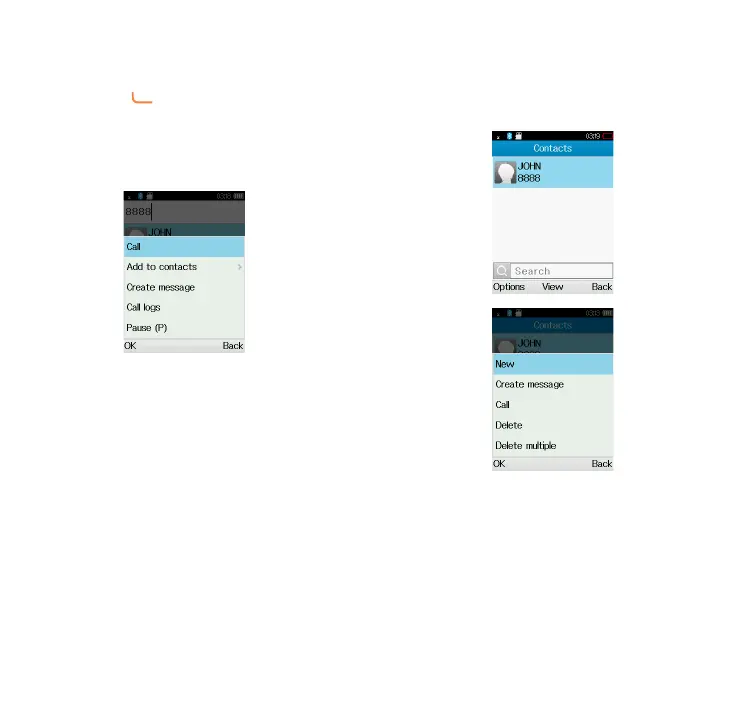
You can also make a call from your
call log:
First, press key from Idle screen
to access the call log and choose the
contact you want to dial, then select
Options. Then select Call.
If you want to make a call from
phonebook, select Cantacts\
Options\Call.
Select Contacts from main menu:
Choose the contact you want to dial,
then select Options; finally, select
Call.



 To Next Page