2625
Storage status
View used and available space in
phone and SIM card.
6
Message .........
6.1 Write message
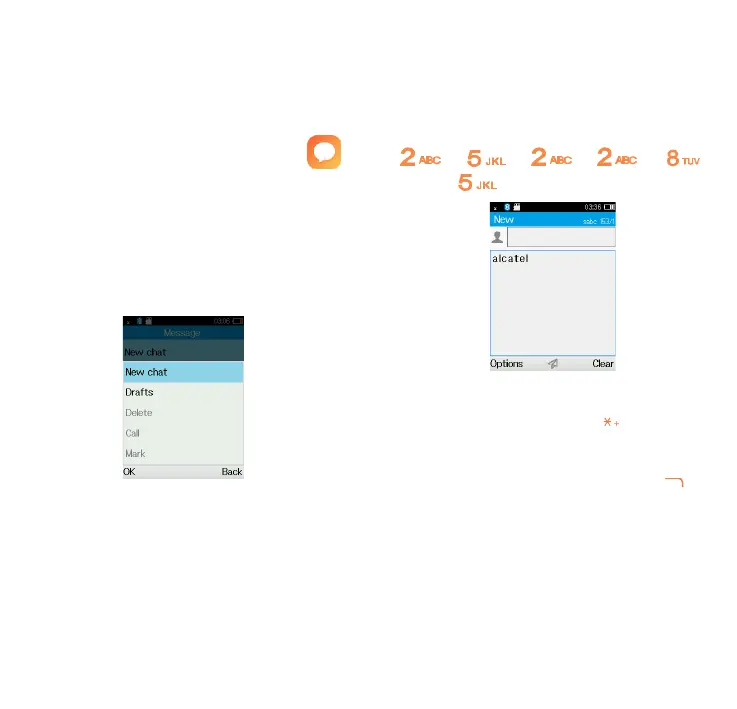
From the Message screen select
Options\New chat to create a new
SMS/MMS.
How to type a message:
Press a number key, 2-9, repeatedly
until the desired character is
displayed. If the next letter your
want is located on the same key as
the present one, wait until the cursor
is displayed.
Example: For “alcatel”, press on the
following keys:
, , , , ,
, --> alcatel.
To insert a punctuation mark or
special character, press key.
If you want to delete the already
typed letters or symbols press to
delete them one by one.
How to read a message:
If a message comes, a notification
will be shown in the idle screen.
Press View to read it or press Cancle



 To Next Page