2221
4
Menu screen ......
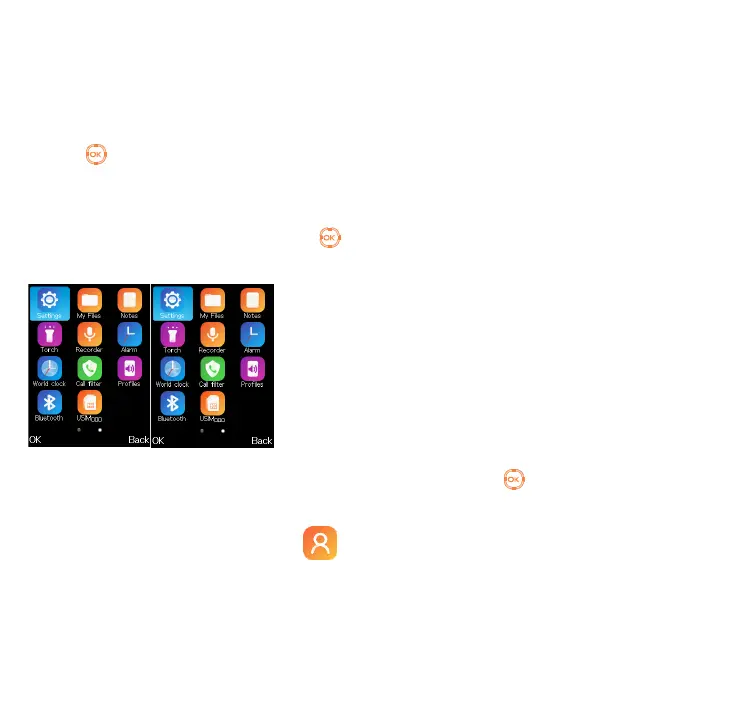
4.1 Access main menu
Press from the Idle screen to
enter the main menu.
The main menu can be used to
select your favourites by pressing
in the left or right direction.
5
Contacts ........
5.1 Consulting your contacts
You can access this function by
selecting Contacts from the main
menu.
Searching for a contact
You can search for a contact by
typing the initial of their name.
Subsequent letters may be added to
refine the search.
Viewing a contact
Select a name from your contacts to
read the contact information.
Adding a contact
You can add a new contact to phone
or SIM card by pressing OK, and
select New to enter the "New
contact" screen.
First, press from Idle screen to
access Contacts and select OK.
Secondly, select New.



 To Next Page