109
•
Make sure the battery is correctly
inserted before connecting the
charger.
•
The mains socket must be near to
the phone and easily accessible
(avoid electric extension cables).
To reduce power consumption
and wasting energy, when
battery is fully charged,
disconnect your charger from
the plug; reduce the backlight
time, etc.
1.2 Power on your phone
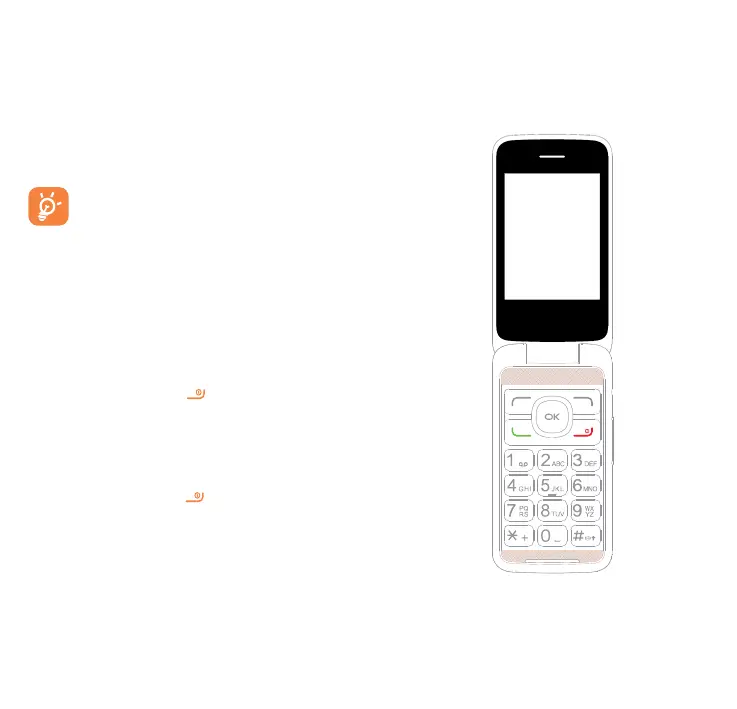
Hold down the
key until the
telephone powers on.
1.3 Power off your phone
Hold down the
key from the
Home screen.
2
Your mobile ........
2.1 Keys



 To Next Page