87
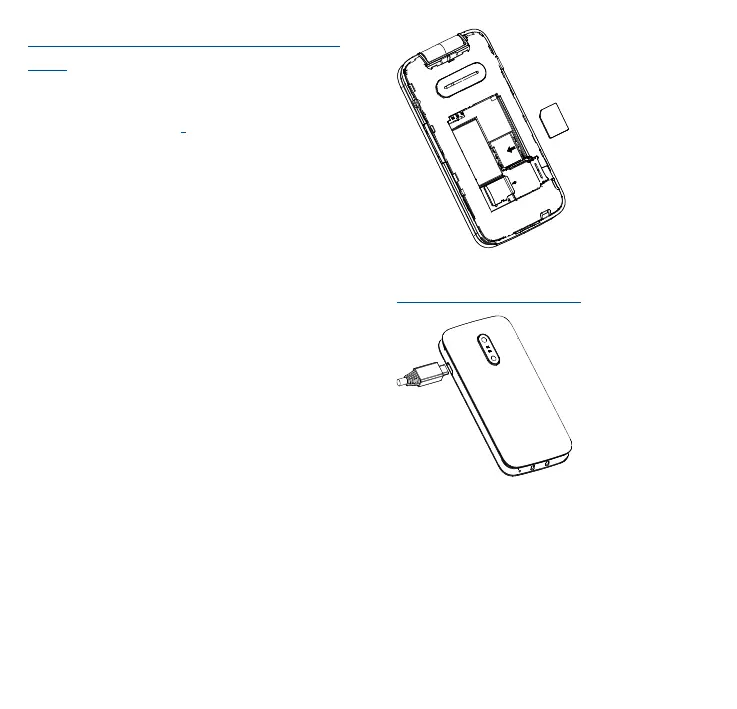
Inserting or removing the SIM/SD
card
You must insert your SIM card to
make phone calls. Place the SIM/SD
card with the chip facing downwards
and slide it into its housing. Make
sure that it is correctly inserted. To
remove the card, press and slide it
out. This phone supports STK
service function. The specific items
depend on SIM card and network.
Service menu will be automatically
added to the phone menu when
supported by network and SIM card.
Charging the battery
Connect battery charger to your
phone and plug into the socket
•
Be careful not to force the plug
into the socket.



 To Next Page