2423
Thirdly, you can choose to add the
new contact to phone or SIM card.
Finally, edit the name and numbers
and save them.
5.2 Delete a contact
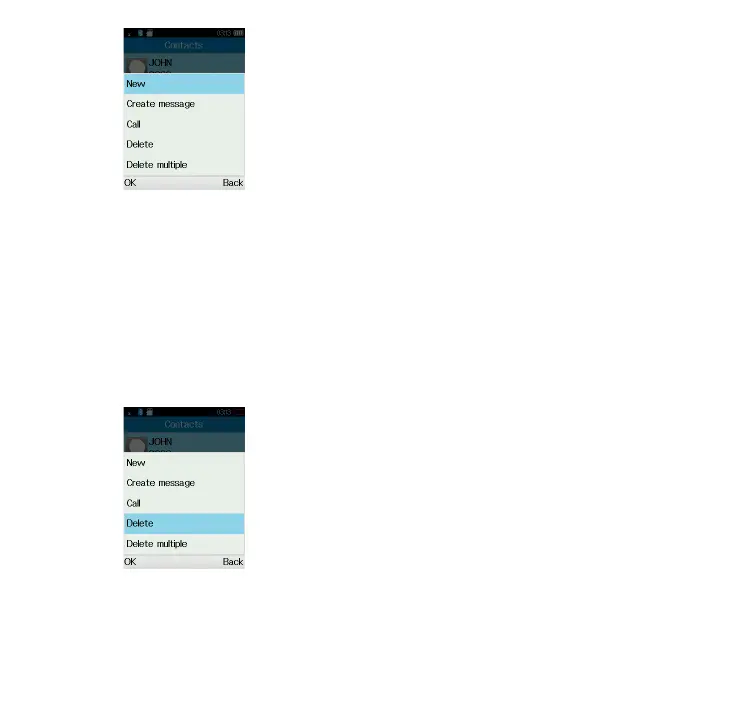
Select the contact you want to
delete and select Options.
Then select Delete to remove the
contact.
5.3 Available options
From the contact list, you can access
the following options:
View
View the selected contact.
Call
Make a call to the selected contact.
Create message
Send an SMS/MMS to a contact you
selected from Contacts.
Edit
Modify the contents of a file: name,
etc.
Delete multiple
Delete multiple contacts.
Import/Export
Import or export contacts to/from
phone or SIM card.
Send vCard
Send a contact via SMS/MMS/
Bluetooth.
Speed dial
Set speed dial numbers.



 To Next Page