33 34
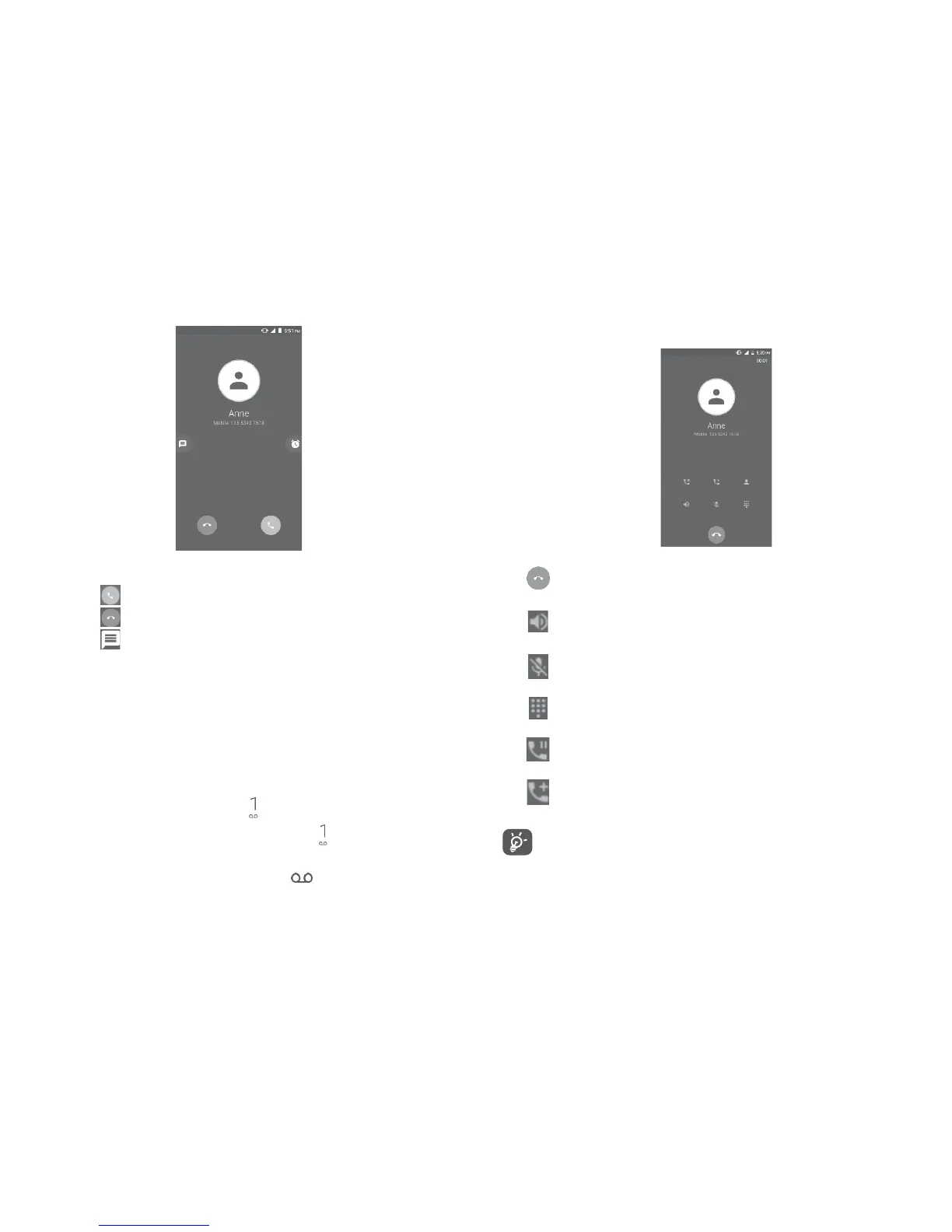
3.1.2 Answering or rejecting a call
When you receive a call:
• Touch the icon to answer;
• Touch the icon to reject;
• Touch the icon to reject the call by sending a preset message.
To mute the ringtone volume of an incoming call, press the Volume up/
down key, or turn the phone over (when the Settings\Gestures\Turn
over to mute option is activated).
3.1.3 Calling your voicemail
Your voicemail is provided by your network to avoid missing calls. It
works like an answering machine that you can consult at any time.
To access your voicemail, long press .
To set your voicemail number: Long press , then touch ADD
NUMBER\Voicemail\Setup\Voicemail number.
If you receive a voicemail, a voicemail icon appears on the Status
bar. Open the Notification panel and touch New voicemail.
3.1.4 During a call
To adjust the volume during a call, press the Volume up/down key.
Touch to end the current call.
Touch to activate the speaker during the current call.
Touch this icon again to deactivate the speaker.
Touch to mute the current call. Touch this icon again to
unmute the call.
Touch to display the Dial pad.
Touch to hold the current call. Touch this icon again to
retrieve the call.
Touch to add a call.
To avoid accidental operation of the touchscreen during a call,
the screen will be locked automatically when you put the
cellphone close to your ear; and it will be unlocked when the
cellphone is taken away from your ear.















 To Next Page