55 56
• Automatic home
clock
Touch the switch to enable the function
when traveling in an area where the time is
different, add a clock for home.
• Home time zone
Touch to set Home time zone.
• Change date & time
Touch to enable automatic data & time, or
change time manually.
• Silence after
Touch to set a temporary turn off time for an
alarm.
• Snooze length
Touch to set the duration of alarms.
• Alarm volume
Touch to set alarm volume.
• Gradually increase
volume
Touch to select the duration after which
the alarm volume increases, or disable this
function.
• Volume buttons Touch to set side Volume up/down key
behaviors when alarm sounds: Control
volume, Snooze or Dismiss.
• Start week on
Touch to choose the start of a week.
• Timer sound
Touch to select the timer sound.
• Gradually increase
volume
Touch to select the duration after which
the timer volume increases, or disable this
function.
• Timer vibrate
Touch the switch to activate vibration.
5.3 Calculator .............................................................
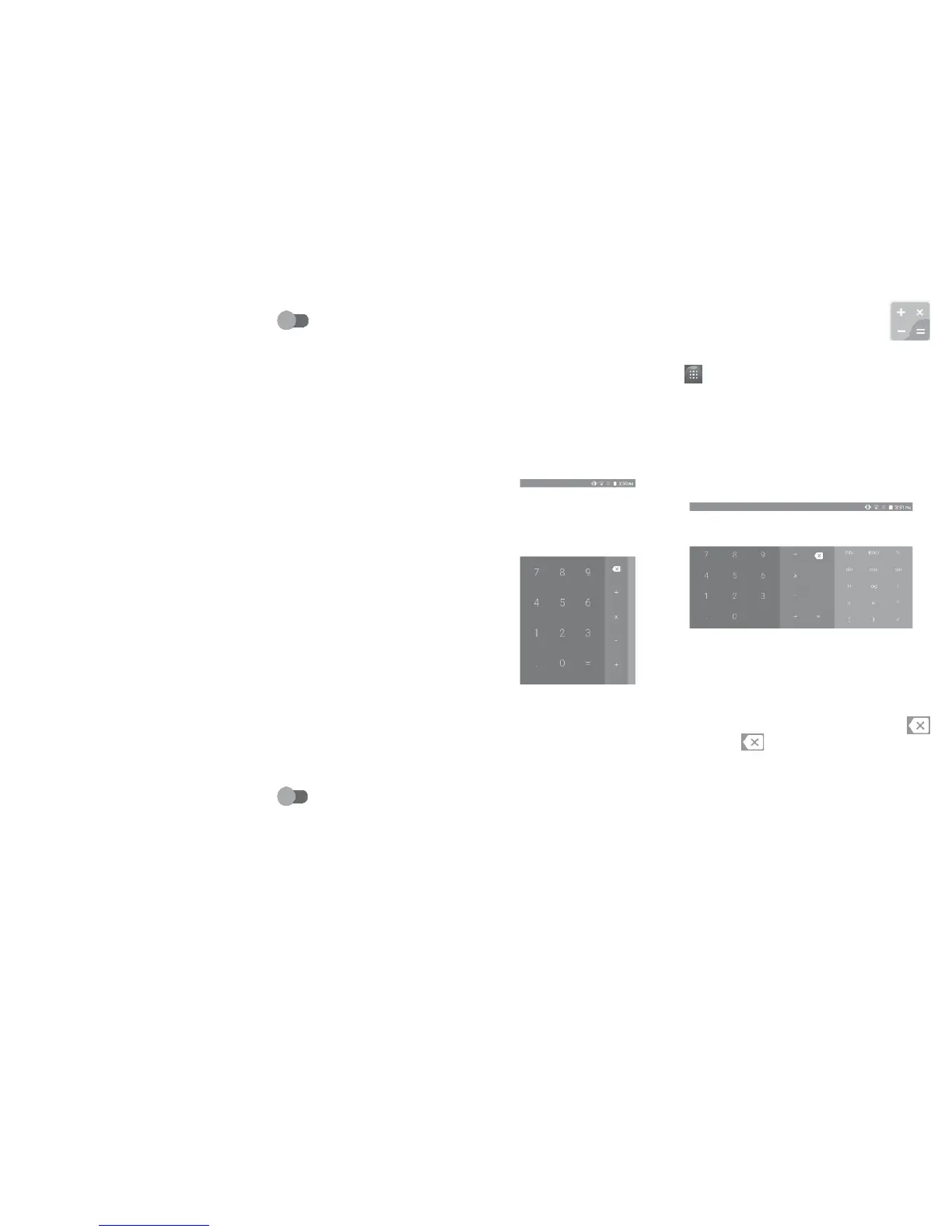
With the Calculator, you can solve many mathematical problems.
To use the calculator, touch from the Home screen, then touch
Calculator.
There are two panels available: Basic panel and Advanced panel.
To switch between panels, turn the device to the landscape mode from
the basic panel or swipe left to open the Advanced panel
(1)
.
Enter a number and the arithmetic operation to be performed, enter
the second number, then touch “=” to display the result. Touch
to delete digits one by one, long press to delete all at one time.
(1)
If Settings\Display\When device is rotated\Rotate screen contents on
screen is enabled, this item will display.















 To Next Page