43 44
4
Messaging and Email ................
4.1 Messaging ............................................................
You can create, edit and receive SMS and MMS with this phone.
To send a message, touch from the Home screen then select
Messaging.
4.1.1 Write message
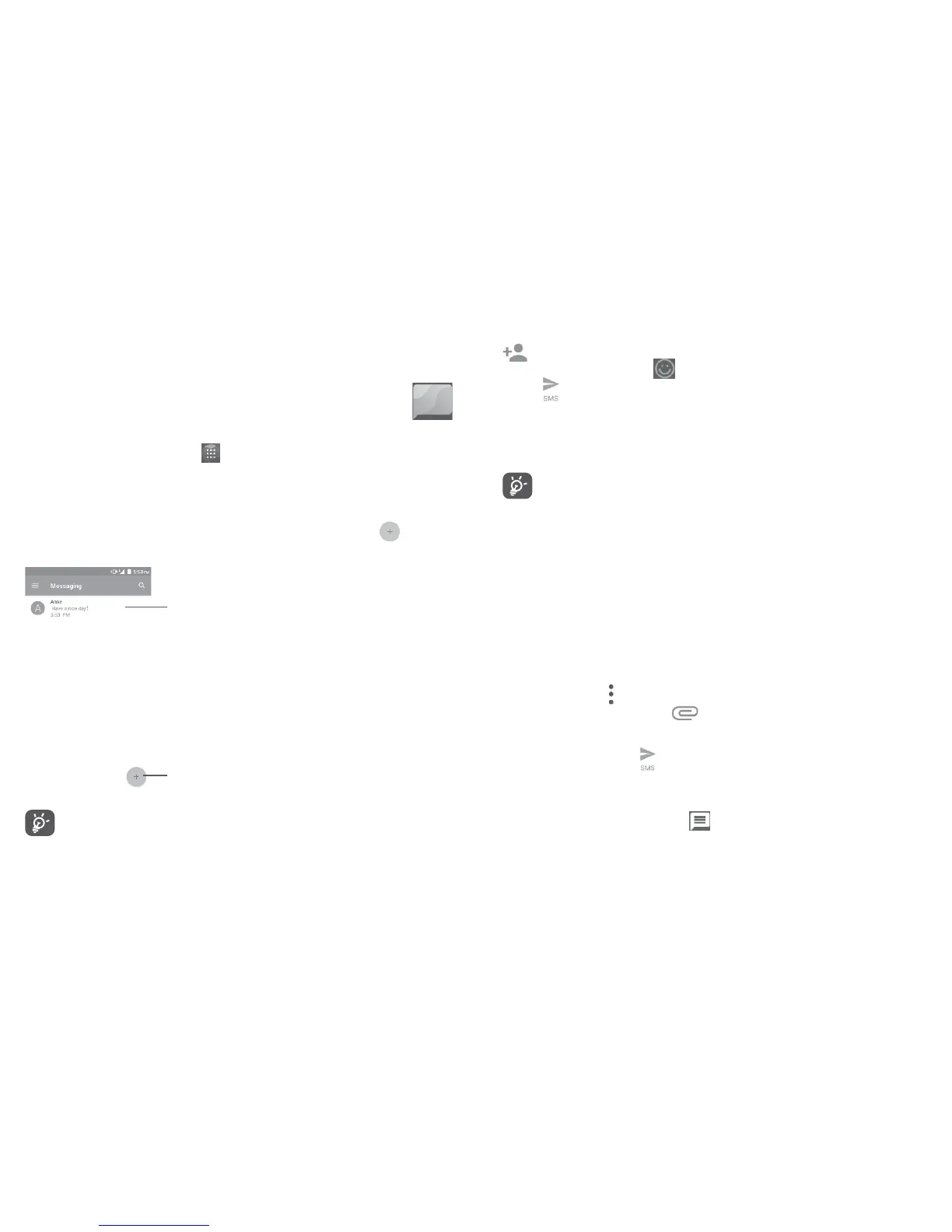
On the message list screen, touch the new message icon to write
text/multimedia messages.
Touch to create a new message.
• Touch to view the whole message thread.
• Long press to activate delete mode.
For saved contacts, touch the photo to open the Quick contact
panel to communicate with the contact. For unsaved contacts,
touch the photo to add the number to your Contacts.
Sending a text message
Enter the mobile phone number of the recipient in the To bar or touch
to add recipients. Touch the Type message bar to enter the text of
the message. Touch the icon to insert emoticons. When finished,
touch to send the text message.
An SMS message of more than 160 characters will be charged as
several SMS. A counter will be on the right of the text box to remind
you how many characters are allowed to be entered in one message.
Specific letters (accented) will also increase the size of the SMS,
this may cause multiple SMS to be sent to your recipient.
Sending a multimedia message
MMS enables you to send video clips, images, photos, animations,
slides and sounds to other compatible mobiles and e-mail addresses.
An SMS will be converted to MMS automatically when media files
(image, video, audio, slides, etc.) are attached or subject or email
addresses are added.
To send a multimedia message, enter the recipient's phone number in
the To bar and touch the Type message bar to enter the text of the
message. Touch to open the options menu, touch Add subject to
insert a subject. Touch the icon to attach a picture, video, audio
and so on.
When finished, touch to send the multimedia message.
4.1.2 Manage messages
When receiving a message, an icon will appear on the status bar as
a notification. Drag down the status bar to open the Notification panel,
touch the new message to open and read it. You can also access the
Messaging application and touch the message to open it.
Messages are displayed in conversational order.















 To Next Page