69 70
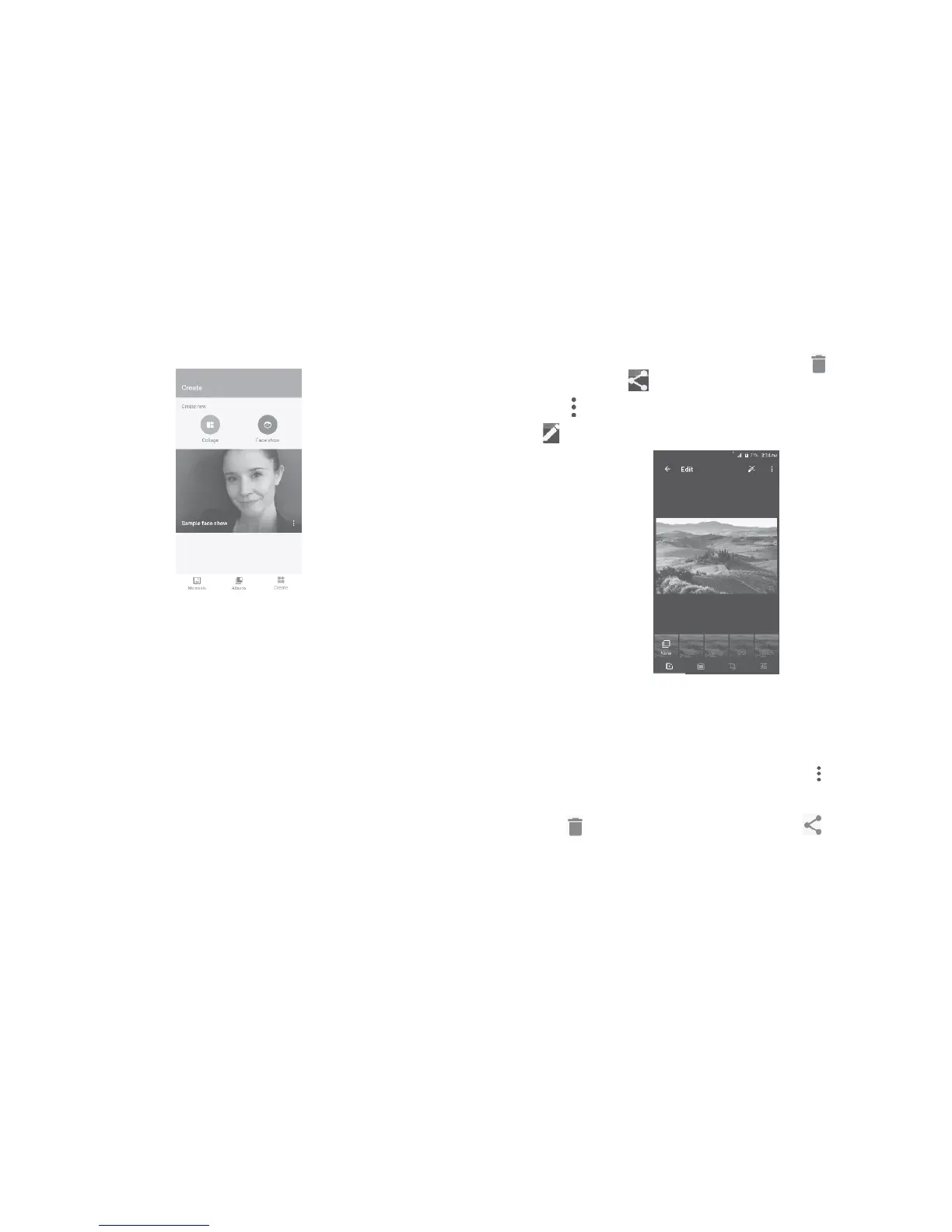
To create new collage or Face show
Select up to 9 photos to create new collage or 5 to 25 selfies to create
your Face show.
Working with pictures
You can touch one album, then slide left or right to view the pictures.
Touch a picture you want to work on, touch the icon to delete a
selected one. Touch to share selected ones.
Touch the icon to set them as contact photo or wallpaper, etc.
Touch to access more options.
Batch operation
The Gallery provides a multi-select function, so that you can work with
pictures/videos in batches.
Open the main Gallery window or an album, touch and touch Select
items to activate batch operation mode (you can also touch and hold
one album/picture), then touch videos/pictures you want to work on.
Touch the icon to delete selected files. Touch to share selected
files.















 To Next Page