35
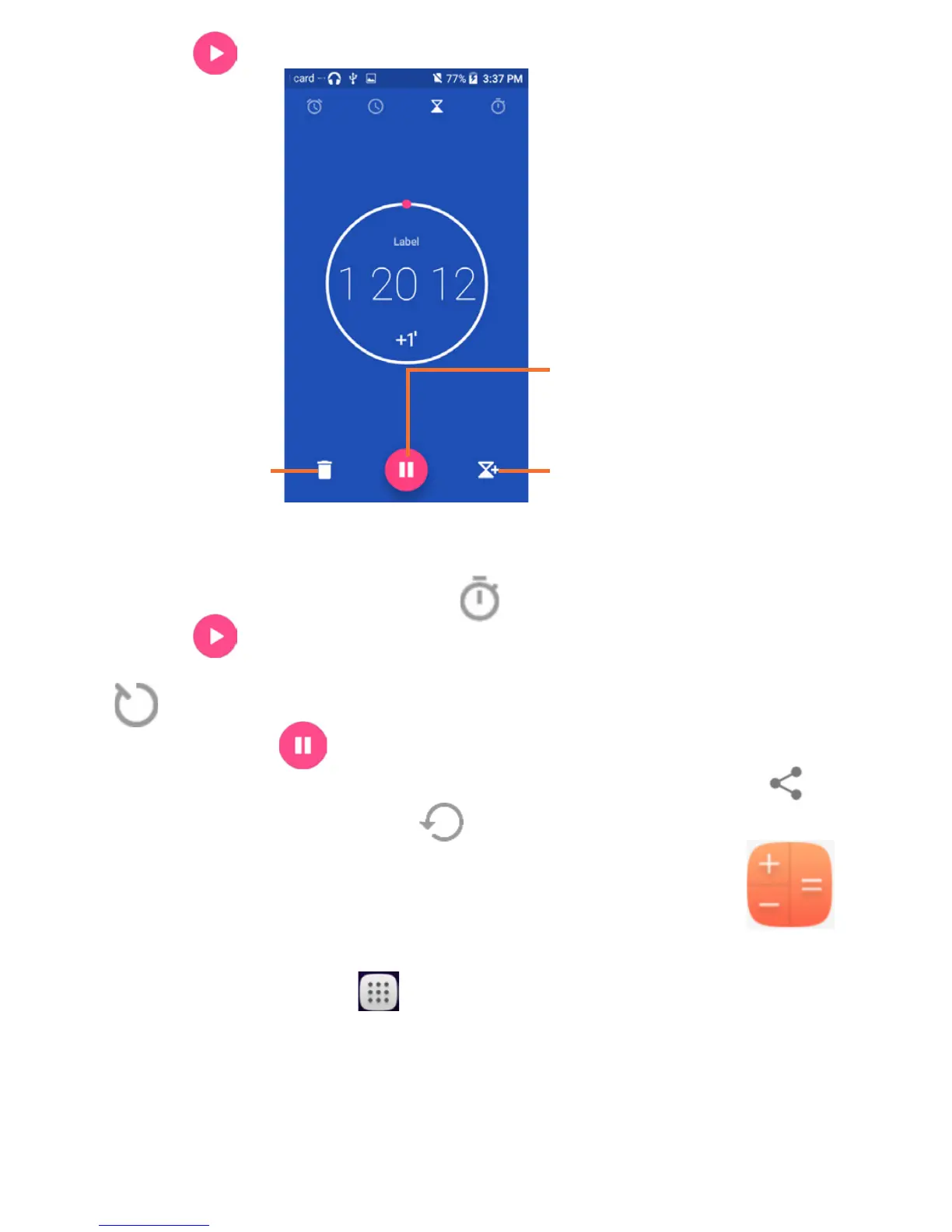
Touch to start the countdown.
Delete
Pause/play
Add a countdown
6.2.4 Timer
From the Time screen, touch to enter the Timer screen.
Touch to start the timer.
Show a list of records according to the updated time: Touch
.
Pause: Touch .
Share the timer through Bluetooth, Gmail, etc.: Touch .
Delete the record: Touch .
6.3 Calculator .....................................
To solve mathematical problems with Calculator, touch
the Application tab from the Home screen, then touch
Calculator.
There are two panels available: Basic calculation and Scientific
calculation.
To switch between panels, select one of the following two ways:











 To Next Page