46
Working with pictures
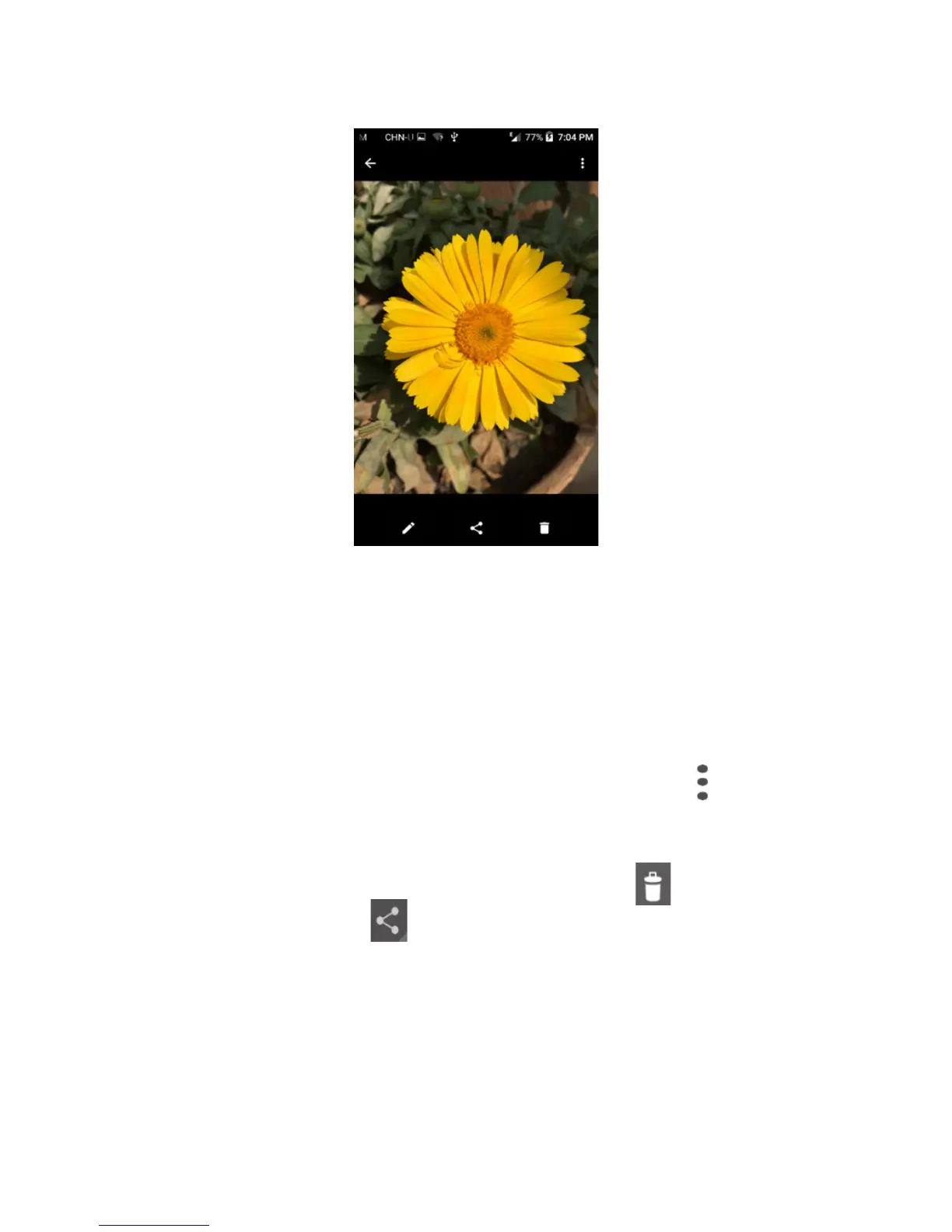
You can work with pictures by editing them, sharing them with
friends, etc.
Touch to share the picture.
Touch to edit the picture.
Touch to show more settings.
Batch operation
Gallery provides a multi-select function, so that you can work
with pictures/videos in batches.
Open the main Gallery window or an album, touch and select
Select album or Select item to activate batch operation mode
(you can also touch and hold one album/picture), then touch
albums/pictures you want to work on. Touch icon to delete
selected ones. Touch to share selected ones.











 To Next Page