14
Deleting a contact
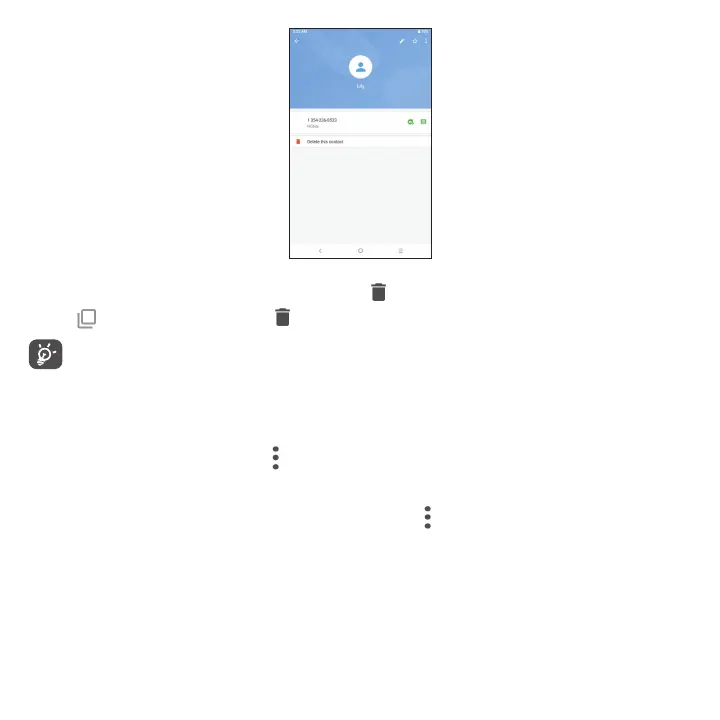
• Press and hold the contact you want to delete, then tap and confirm to delete.
• Tap
to select all contacts, then tap and confirm to delete all contacts.
Deleted contacts will also be removed from other applications on the device or web the next time you
synchronize your device.
Sharing a contact
You can share a single contact with others by sending the contact's vCard to them via Messages and Bluetooth.
Select a contact you want to share, touch
and then select Share.
Available options
From the contact list, you may also make further settings by tapping .



 To Next Page