16
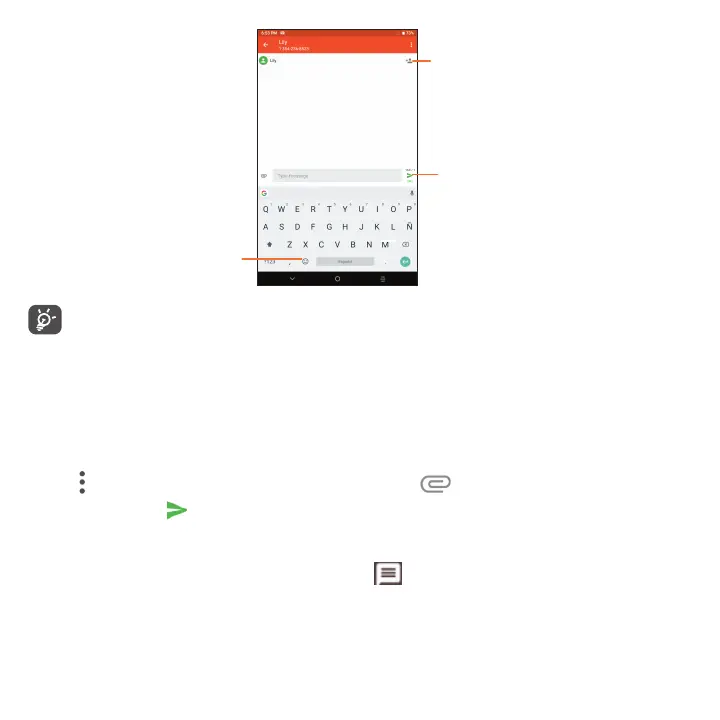
Send the text message
Insert emoticons
Add recipients
Specific letters (accented) will also increase the size of the SMS, this may cause multiple SMS to be sent to
your recipient.
Sending a multimedia message
MMS enables you to send video clips, images, photos, animations, slides and sounds to other compatible devices
and email addresses.
• Enter the recipient's phone number or email address in the To bar.
• Tap the Type message bar to enter the text of the message.
• Tap
to access other options, such as inserting a Contact. Tap to attach a picture, video, or audio.
• When finished, tap
to send the multimedia message.
Managing messages
New messages will appear in the Status bar as a notification will appear in the Status bar as a notification. Drag
down the Status bar to open the Notification panel, tap the new message to open and read it. You can also open
Messages and tap on the message thread to open it.
Messages are displayed as conversations in the order received.



 To Next Page