19
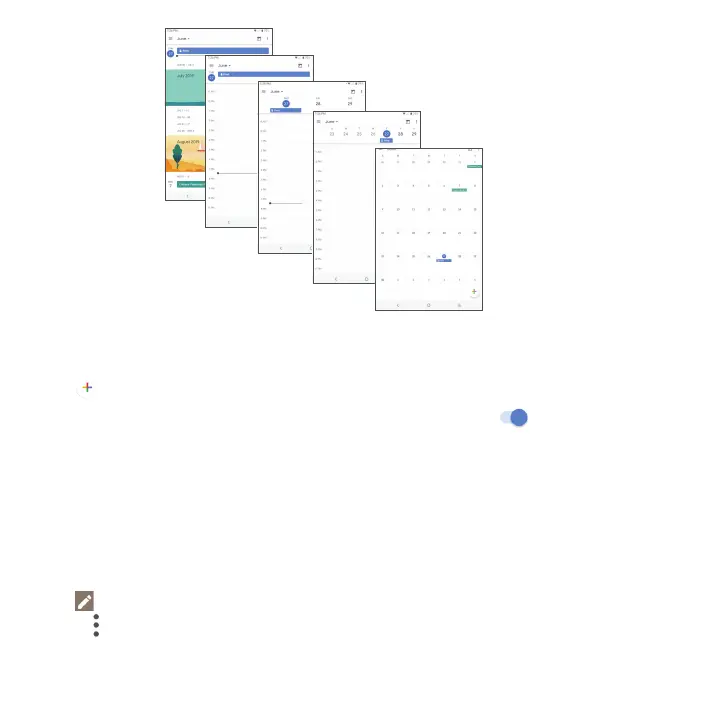
Day view
Schedule view
Week view
Month view
3-day view
Creating a new event
You can add new events from any Calendar view.
• Tap
.
• Fill in all required information for this new event. If it is a whole-day event, tap
for All-day.
• Enter the email addresses of the guests you want to invite with commas to separate. The guests will receive an
invitation from Calendar and Email.
• When finished, tap SAVE.
Quickly create an event while in Day, 3 Day or Week view. Tap on an empty time spot to open the New event screen.
Deleting or editing an event
• To delete or edit an event, tap the event to enter its details screen.
• Tap
to edit the event.
• Touch
and Delete to remove the event.



 To Next Page