22
• Tap
to share the picture.
• Tap
to go back to Photos library.
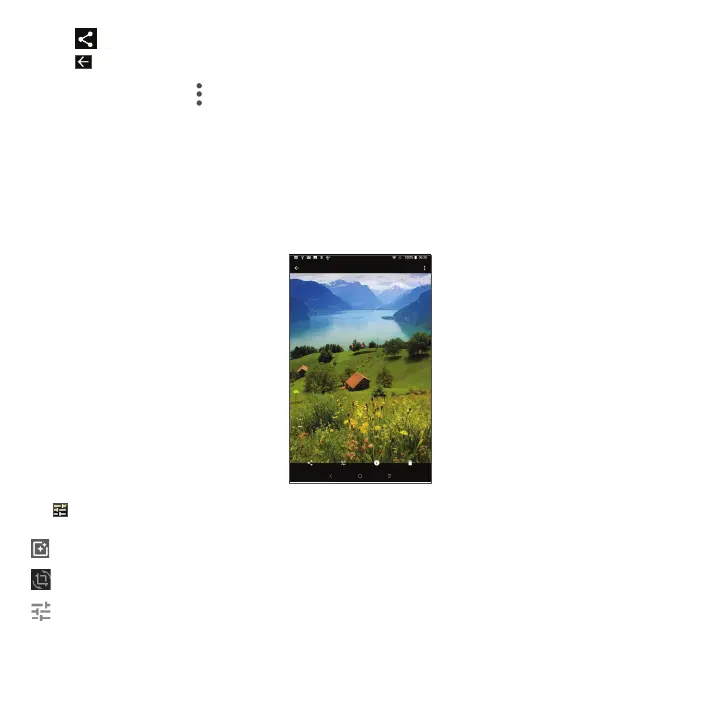
While in full-screen view, tap
to access the following options:
Slideshow Tap to view pictures by Slideshow.
Use as Tap to set the picture as Contact photo or Wallpaper.
Print Tap to print picture. Note: Will require printer configuration first.
Delete from device Tap to delete picture from the device.
Tap from full-screen view to edit the picture or video.
Set color effects and lighting filters
Crop and Rotate the picture.
Adjust the picture Color, Light, Pop.



 To Next Page