8
Hold down the Power key until the device options appear, select Power off.
Charging
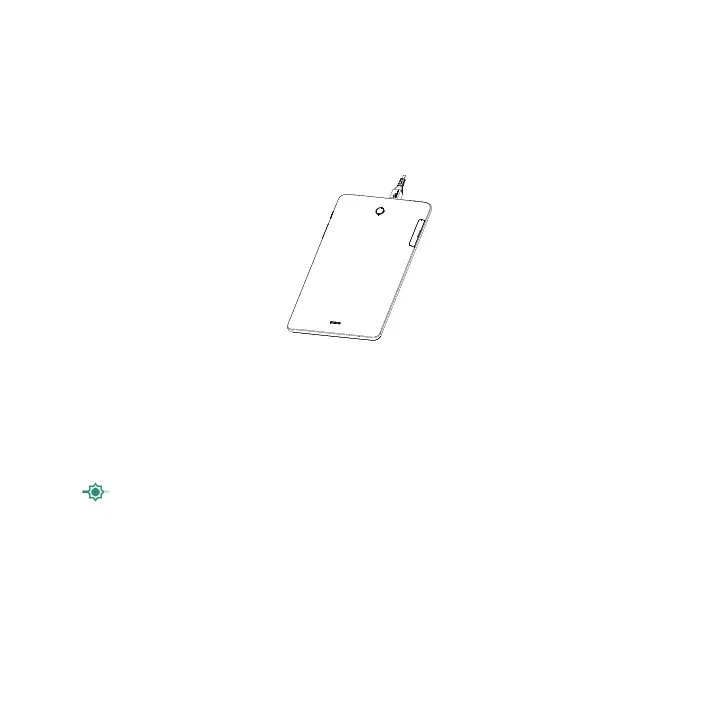
Insert the small end of the charging cable into the charge port, and plug the charger into an electrical outlet.
Note: Please use the cable that came with your device. Using other cables may damage the charging port or reduce
battery performance.
Battery
To optimize battery performance, make sure to fully charge your device before using it for the first time.
To optimize battery life adjust your settings:
1. Brightness level: Lowering your screen brightness level can optimize your battery level. To adjust the brightness
level, swipe up from the Home screen, tap Settings > Display > Brightness level. To lower the brightness level,
slide
to the left.
2. Power Saving Mode: Power Saving mode minimizes battery usage to extend battery life. To turn on your Power
Saving mode, swipe up from the Home screen, tap Settings > Battery. Then turn on Standby intelligent power
saving and Battery saver.
3. Screen timeout: Screen timeout will darken the display after a set time of inactivity. To change your Screen
timeout time, swipe up from the Home screen, tap Settings > Display > Sleep. Then select the screen timeout
duration.
Note: The back cover and battery are not removable. Disassembling the device may damage your battery.



 To Next Page