4. Click Start sync.
5. When the Sync Completed message displays, safely disconnect the phone from the computer.
Battery / SIM Card
Insert / remove battery
To insert or remove the battery in your device, follow these steps:
Insert
1. If necessary, turn the phone off.
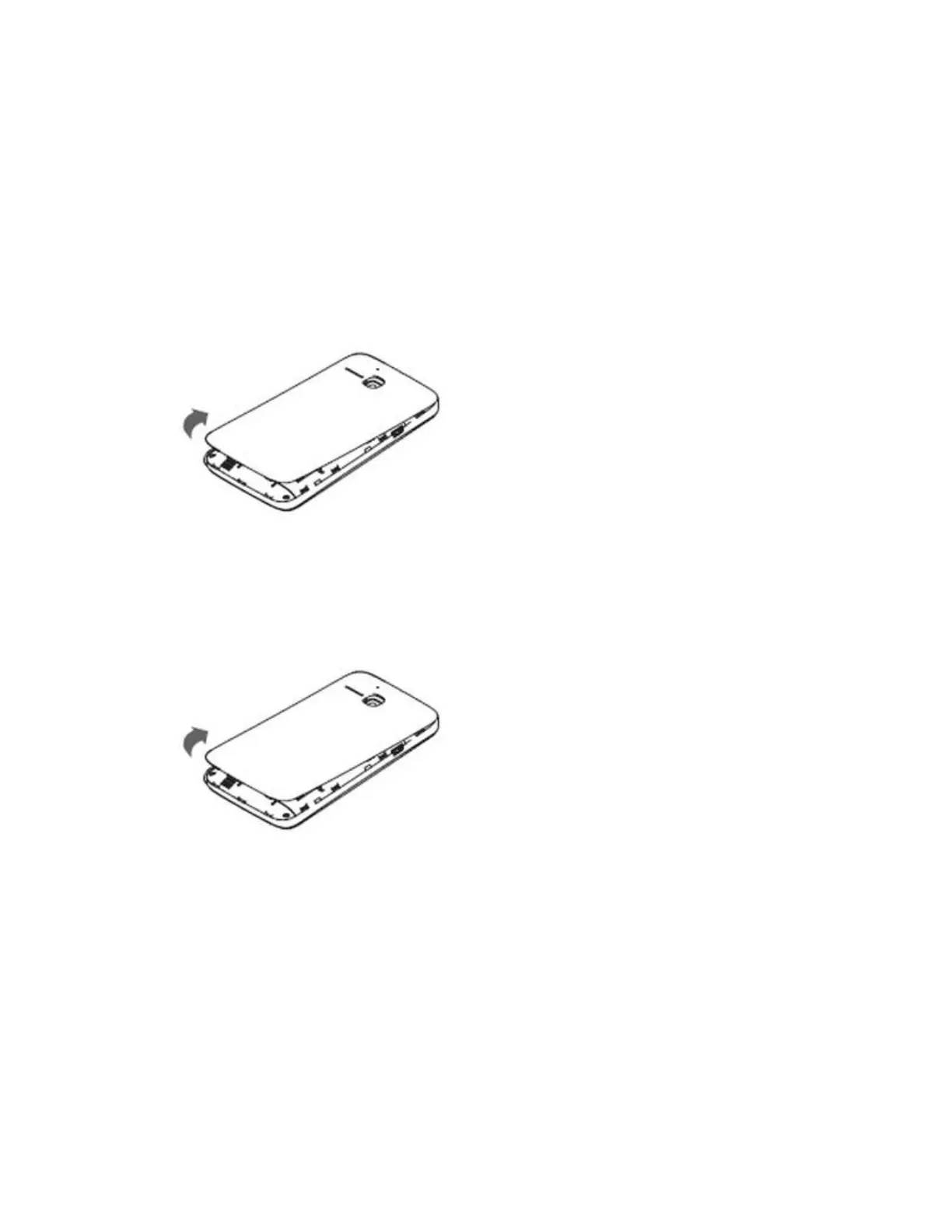
2. Remove the back cover using the notch located at the bottom edge of the phone.
3. Align the gold contacts on the battery with the gold contacts in the battery compartment.
4. Press the battery into place.
5. Replace the back cover by pressing it onto the phone.
Remove
1. Power the phone off.
2. Remove the back cover using the notch located at the bottom of the phone.
3. Lift the battery out of the compartment using the notch located above the battery slot.
Battery saving mode - Not available
This feature is not available.
Tips to save battery life
To save and extend battery life, follow these steps:
Lower screen brightness and timeout duration
1. From any Home screen, tap the All Apps icon.
2. Tap Settings.
3. Scroll down to 'DEVICE,' then tap Display.








 To Next Page