4. Tap Brightness.
5. Tap to clear the Automatic brightness check box, if desired.
6. Touch and drag the Brightness slider to the desired level.
7. Tap OK.
8. Tap the back button to return to the previous menu.
9. Return to 'DEVICE,' then tap Display.
10. Tap Sleep.
11. Tap the desired timeout setting:
o 15 seconds
o 1 minute
o 2 minute
o 5 minutes
o 10 minutes
o 30 minutes
o Never
Turn off Bluetooth and GPS
1. From any Home screen, pull down the notification window from the top
2. Tap the Bluetooth and GPS icons so they are in the OFF setting.
Toggle from 3G to 2G
1. From any Home screen, tap the All Apps icon.
2. Tap Settings.
3. Under 'WIRELESS & NETWORKS,' tap More... to expand the menu.
4. Tap Mobile networks.
5. Tap Network mode.
6. Select WCDMA only or GSM only, which are both 2G.
Note: 2G uses less battery than 3G.
Update to the latest software
1. From any Home screen, tap the All Apps icon.
2. Tap Settings.
3. Scroll down to 'SYSTEM,' then tap About phone.
4. Tap System Update.
5. Tap Check for software updates.
6. Follow any additional prompts.
Insert / remove SIM card
To insert or remove the SIM card, follow these steps:
Insert
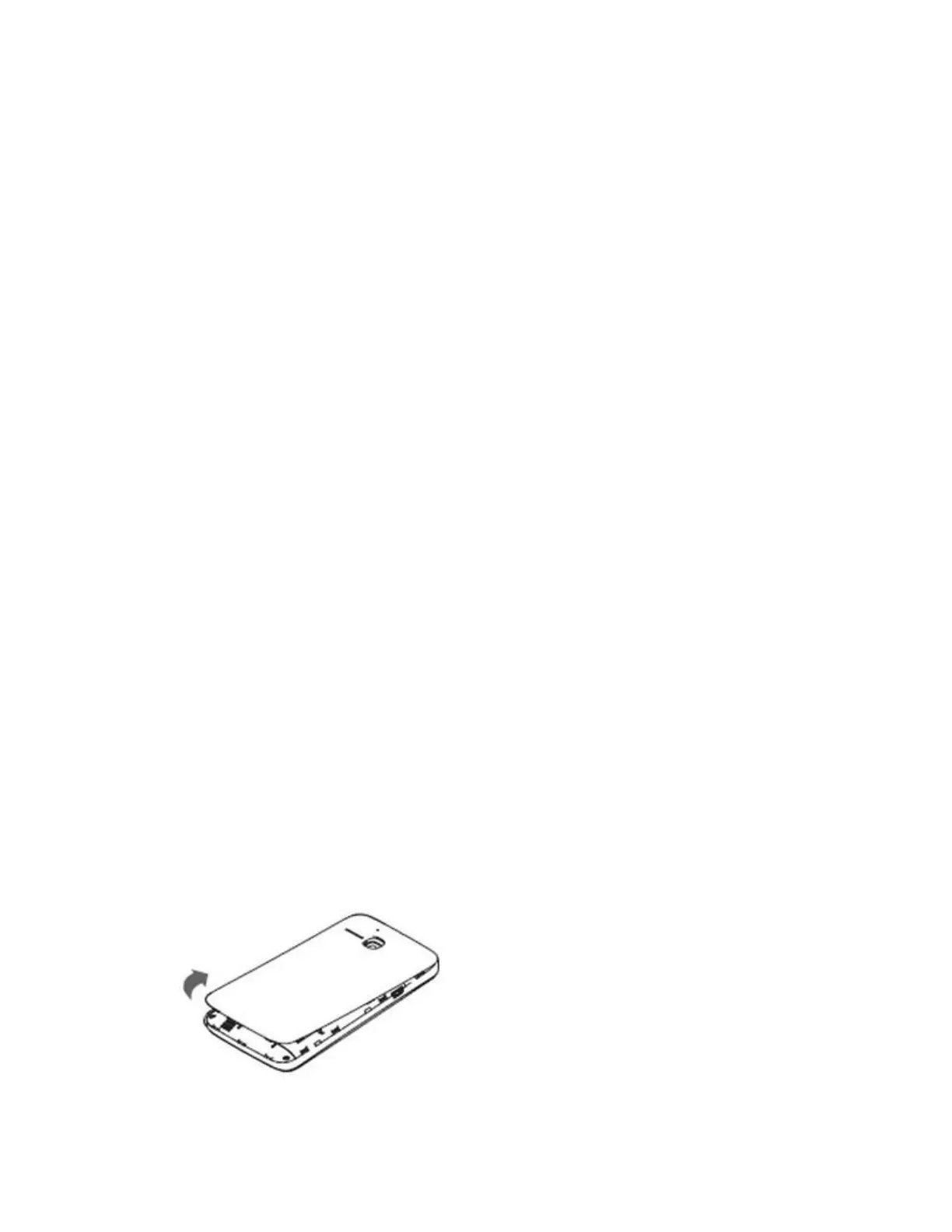
1. Turn the phone off.
2. Remove the back cover using the notch located at the bottom edge of the phone.
3. Lift the battery out.








 To Next Page