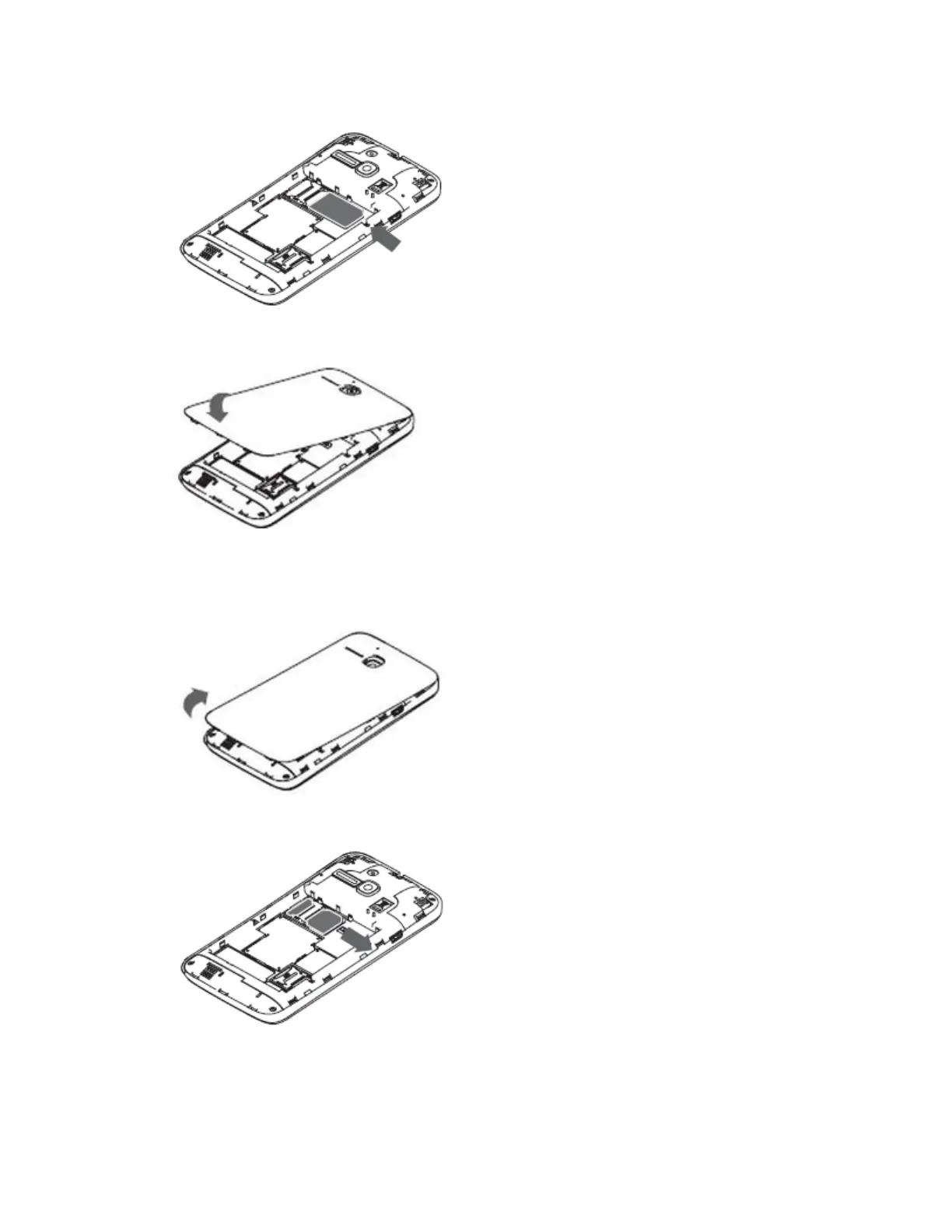
4. Slide the SIM card into the slot with the gold contacts facing down.
5. Replace the battery while ensuring the gold contacts are aligned.
6. Replace the back cover.
Remove
1. Turn the phone off.
2. Remove the back cover using the notch located at the bottom edge of the phone.
3. Lift the battery out.
4. Slide the SIM card out of the slot.
Delete SIM messages
To delete SIM messages, follow these steps:








 To Next Page