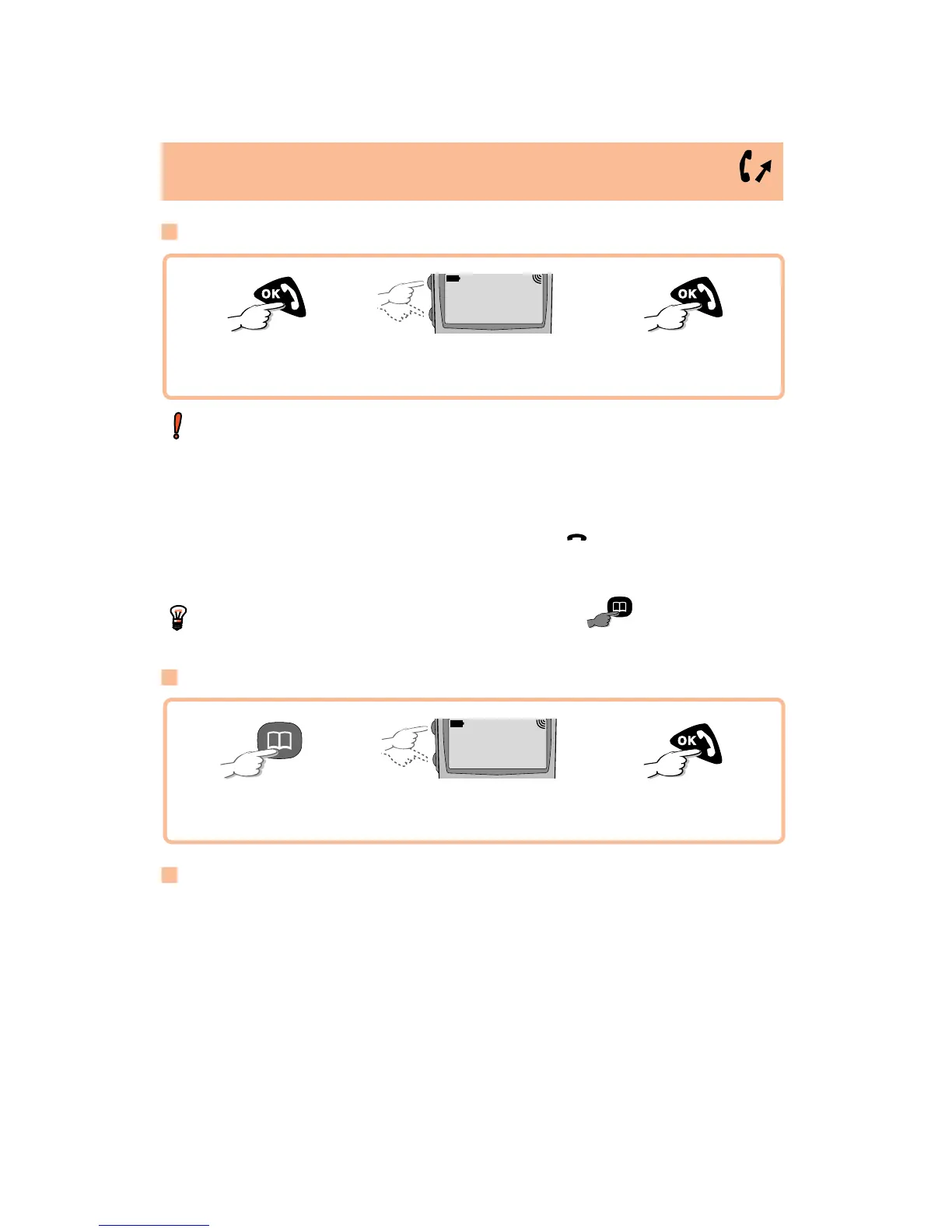
Calling one of your 9 preferred numbers
(1)
The 9 preferred numbers are the numbers in the first 9 files of your directory.
Key in the file number (from 1 to 9), then make the call.
MAKING A CALL
10/
Access the call
memory
Make the call
T
he last number that was dialled is displayed first (REDIAL function). Your
phone can store up to 30 outgoing or incoming calls.
A
symbol shows the type of call stored:
¨
➚
: Outgoing call
¨
!
: Incoming call, unanswered (the icon goes off when the
last unanswered call is read)
¨
: Incoming call, answered
Y
ou can store these numbers in the directory by .
Using your directory
(1)
Call memory
Search for
number
¨
➚ 0541551177
07h58
Access the
directory
Make the call
Search for
person
FENTON ...
¨
MARTIN ...
(1)
For details on how to program your directory, see the relevant chapter on page
13.
LONG KEYPRESS








 To Next Page