CALL FORWARD KEY
16/
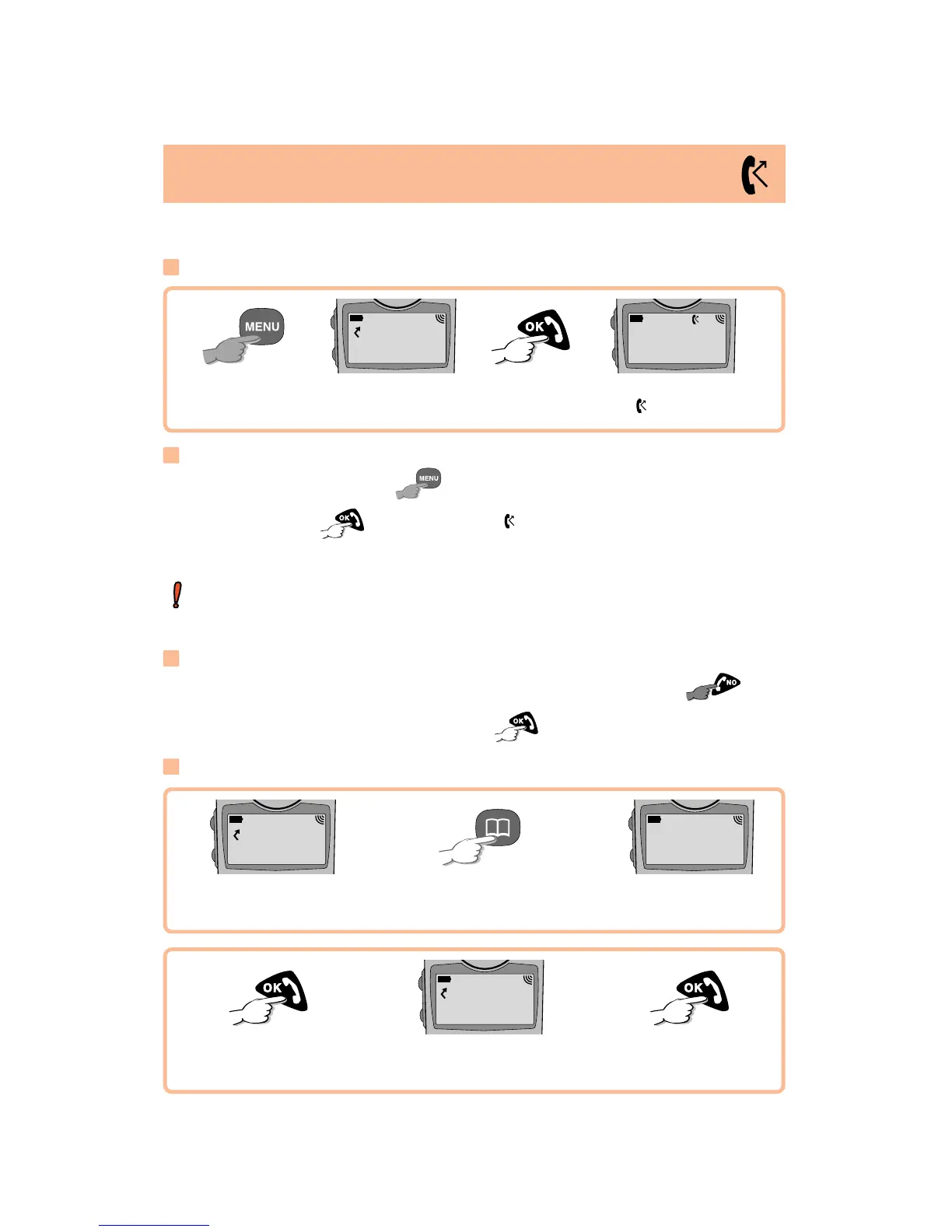
You can forward your calls to the number of your choice.
Access call
forwarding
Dial call
forwarding number
Call forwarding is activated:
the icon appears
Activate
Activating call forwarding
?014652-__
__________
23/10 01:40
“NET NAME”
Cancelling call forwarding
Access call forwarding by
.
With your call forwarding number
displayed, press to cancel it. The icon disappears when call
forwarding is cancelled.
LONG KEYPRESS
T
o choose a different type of call forwarding, use the "Forward/Voice/
CF key" option in the Menu (page 26).
Modifying the call forwarding number
With the call forwarding number displayed, you can delete it by
.
Dial the new number then activate it by .
Your call forwarding
number is displayed
Search for called
party
Access directory
DUPOND
¨
MARTIN
Confirm
Activate
The number is
updated
?MARTIN___
__________
?0146522495
__________
Using your directory
LONG KEYPRESS
LONG KEYPRESS








 To Next Page