➘ 0146522495
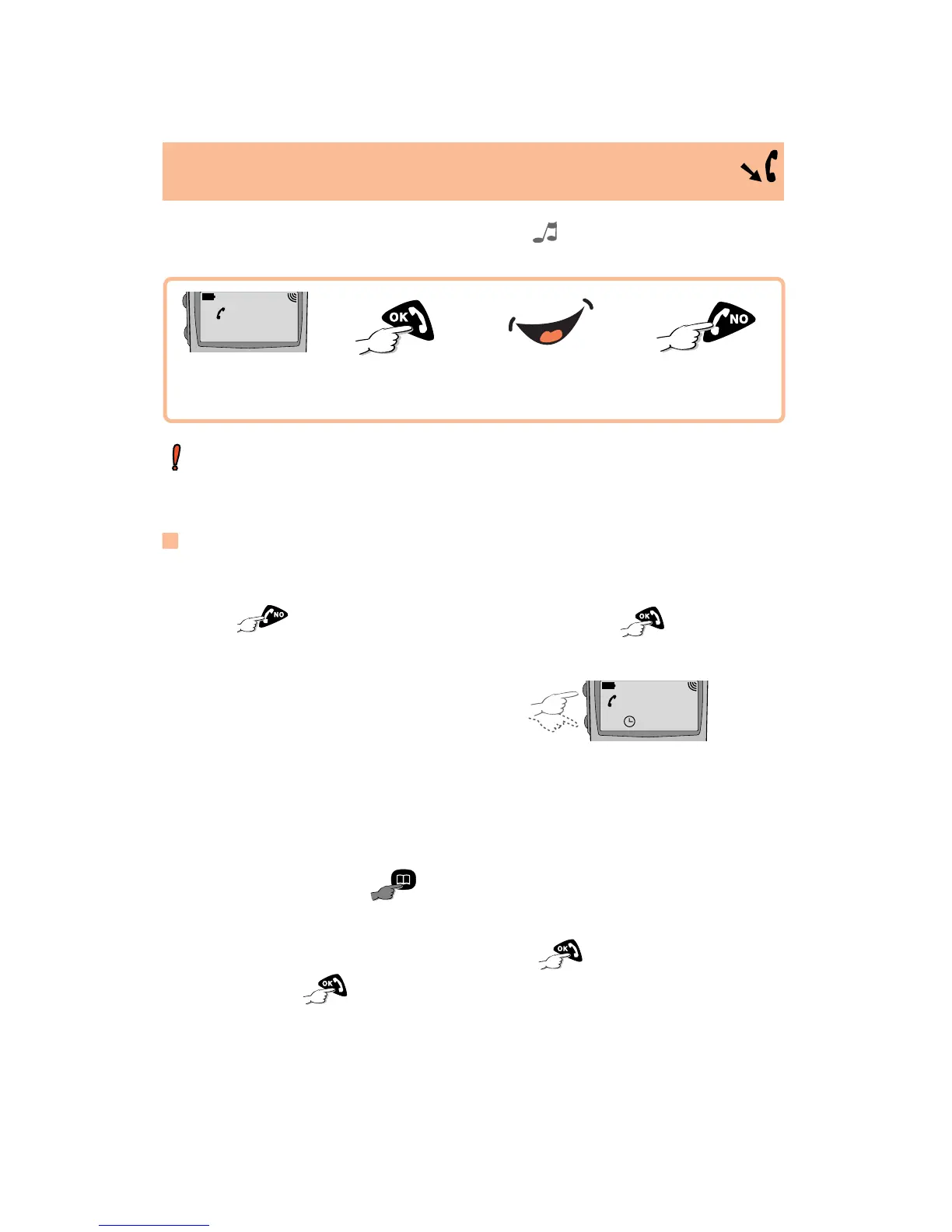
An incoming call is indicated by a ringing tone and flashing of the green
indicator LED.
Convenience
To switch off the ringing tone temporarily (without losing the call),
press when ringing tone is audible. Then press to answer
the call.
To adjust the earpiece volume,
use the volume keys.
To interrogate your answering machine or voice mail services, you
can transmit DTMF tones from the keypad during a call.
To store a telephone number in the directory, simply key in the
number and store it by
.
To put an on-going call on hold, press , confirm the hold, then
resume call by
.
0146522495
02:30
AN INCOMING CALL
11/
T
he calling party's number is displayed if it is transmitted over the
network. Contact your network operator to check service availability
(Caller ID - Menu, page 32).
Incoming call...
Hang up
Answer
LONG KEYPRESS
Talk








 To Next Page