DUPOND
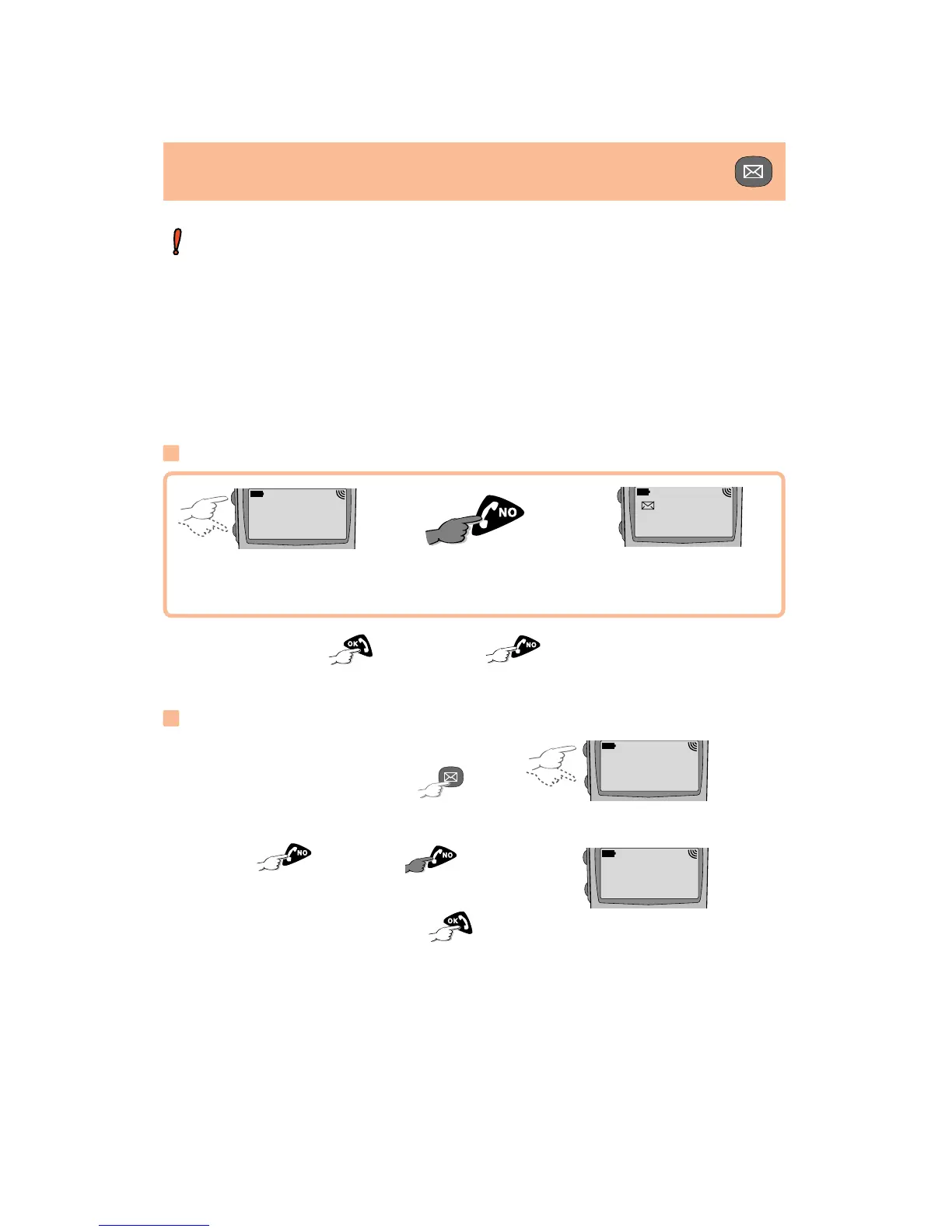
Delete?
VOICE MAIL AND SHORT MESSAGES
20/
Modifying a message
Find the message, access the
page in question by pressing .
Access the Modify function by
pressing . Delete by
or insert the new text from the keypad,
and, finally, store by pressing .
¨
OK FOR
APPOINTMT ...
IN PARIS ON
22/12 15/30...
Confirm deletion by or cancel by .
LONG KEYPRESS
¨
PHONE
TOMORROW.
..
Access Delete function
Search for message
You must confirm
Deleting a message
LONG KEYPRESS
T
he modifiable parameters are:
Serv. Ctr: Server centre number.
Format: type of message to be sent to your correspondent (fax,
pager, email, ...).
Retry Dur: time during which network offers message to your reci-
pient in case of unsuccessful delivery.
Receipt: acknowledgment receipt request.








 To Next Page