AVAILABLE CHARACTERS
36/
Deleting a character
If you keep the key pressed, several characters will be deleted in succession.
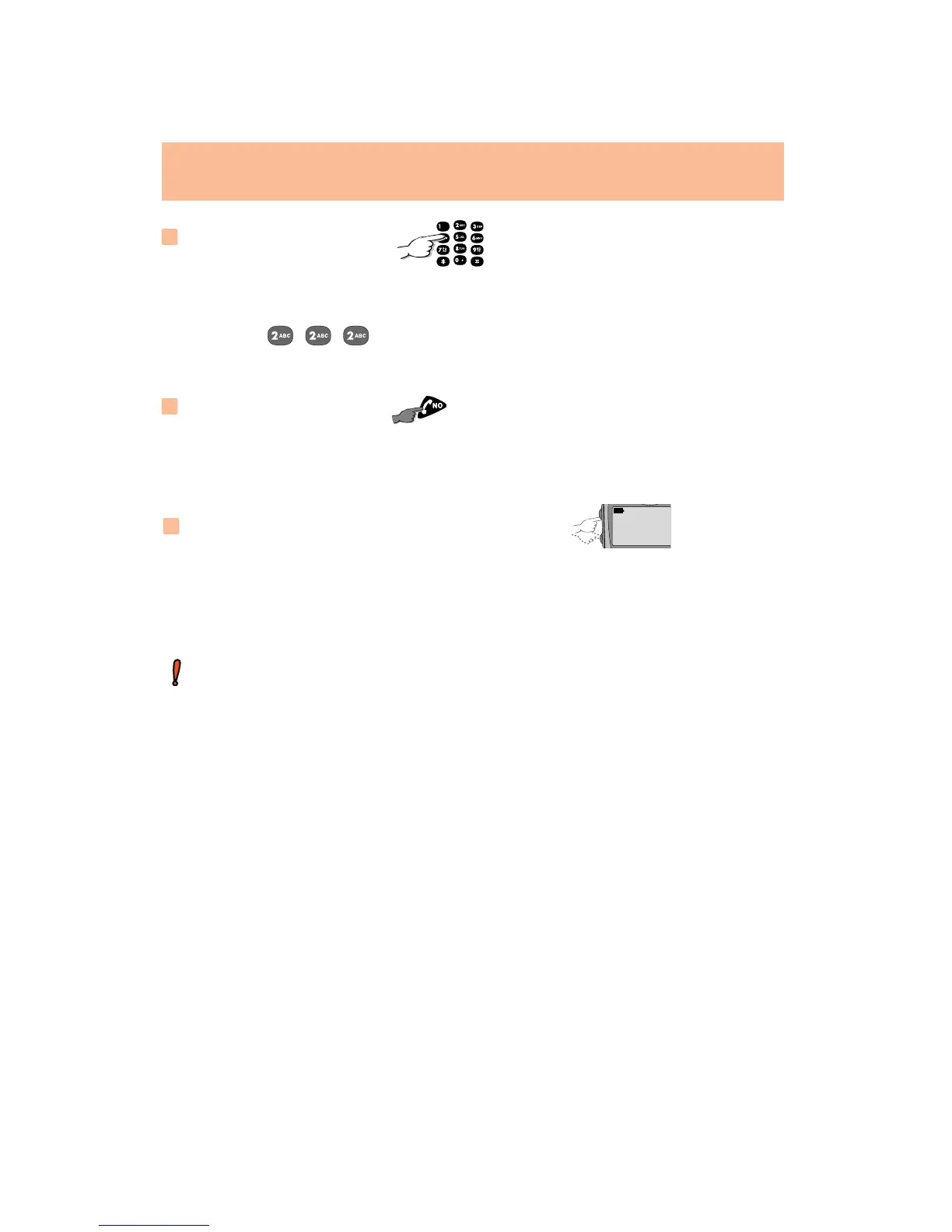
Entering a character
Successively press the appropriate key until the required character
appears:
Example: for B.
T
his facility is not available if there are 2 input fields on the screen at the
same time.
Moving to a character in an input field
Use the volume keys to move to the required character.
LONG KEYPRESS








 To Next Page