21 22
Wallpaper
To personalize your wallpaper, press
from tool bar or long press
blank area from the main screen, tap "Wallpaper". You will be directed
to "My images" with this option. You may choose one image as your
favourite wallpaper (see page 48).
Toolbar2.4
Tool bar with menu items as a shortcut for quick access.
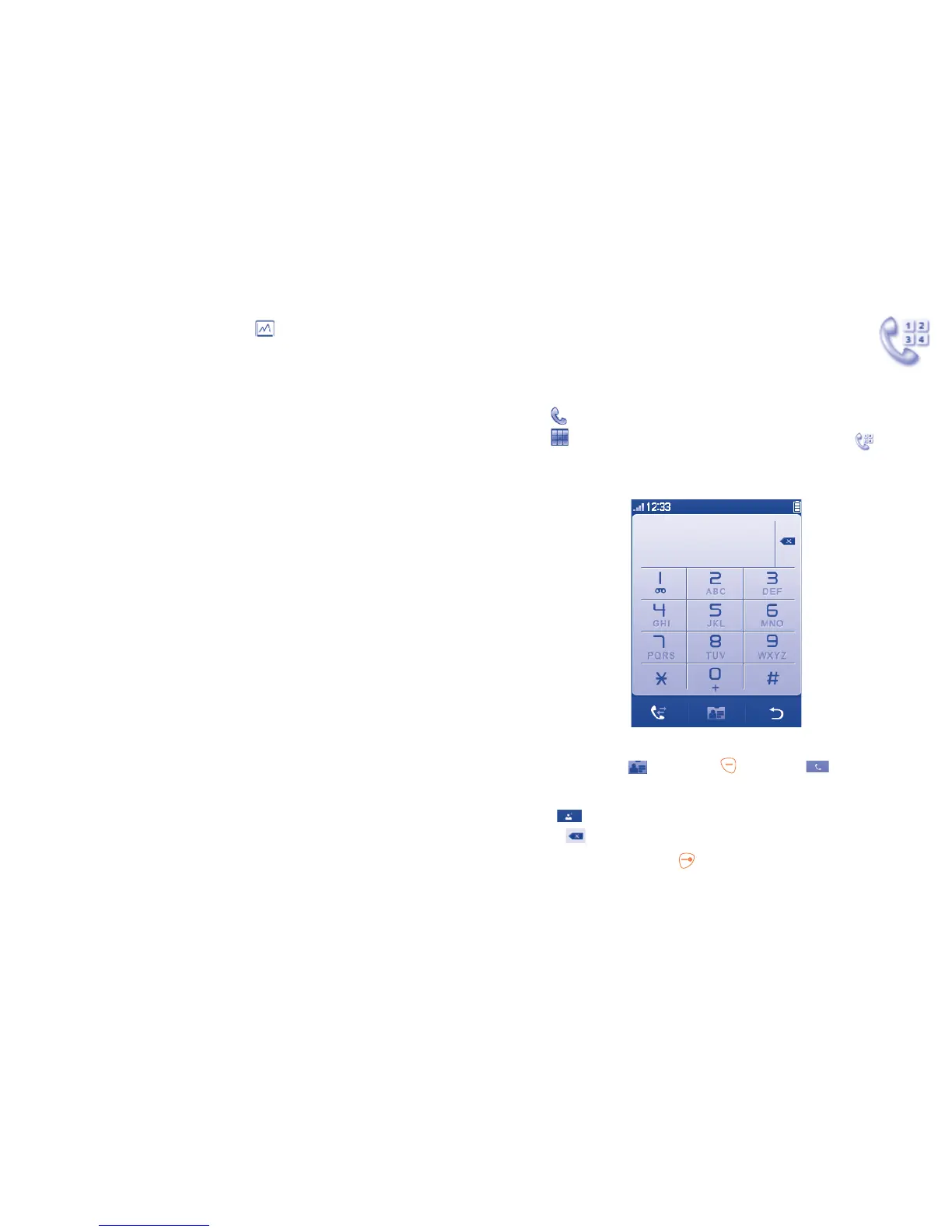
Dialer
3
..............................
To access this feature, you may select one of the following:
Select •
directly from tool bar on Home screen.
Select •
from tool bar to enter the main menu, then tap .
Making a call3.1
Enter the desired number from keypad directly or select a contact from
Directory by tapping , then press key or tap to place the call.
For dual SIM model, you can select either SIM1 or SIM2 when you wish
to place a call. The number you entered can be saved to Directory by
selecting . If you make a mistake, you can delete the incorrect digits
by tapping .
To hang up the call, press the
key.



 To Next Page