87 88
Troubleshooting
23
................
Before contacting the aftersales department, you are advised to follow the
instructions below:
You are advised to switch off the telephone from time to time to optimise •
its performance.
You are advised to fully charge (•
) the battery for optimal operation.
Avoid storing large amounts of data in your telephone as this may affect the •
performance of your telephone.
and carry out the following checks:
My mobile phone will not switch on
Press• until the screen comes on
Check the battery charge level•
Check the battery contacts, remove and reinstall your battery, then turn •
your telephone back on
My phone has not responded for several minutes
Press the• key
Remove the battery and re-insert it, then switch the phone back on•
My screen is difficult to read
Clean your screen•
Use your mobile phone in accordance with the recommended conditions •
of use
My mobile phone turns off by itself
Check that your keypad is locked when you are not using your mobile •
phone
Check the battery charge level•
My mobile phone will not charge properly
Make sure that your battery is not completely discharged; the battery •
charge indicator can take several minutes and may be accompanied by a
quiet whistling sound
Make sure charging is carried out under normal conditions (0°C +40°C)•
Make sure your battery is inserted. It must be inserted before plugging in •
the charger
Accessories
22
(1)
.....................
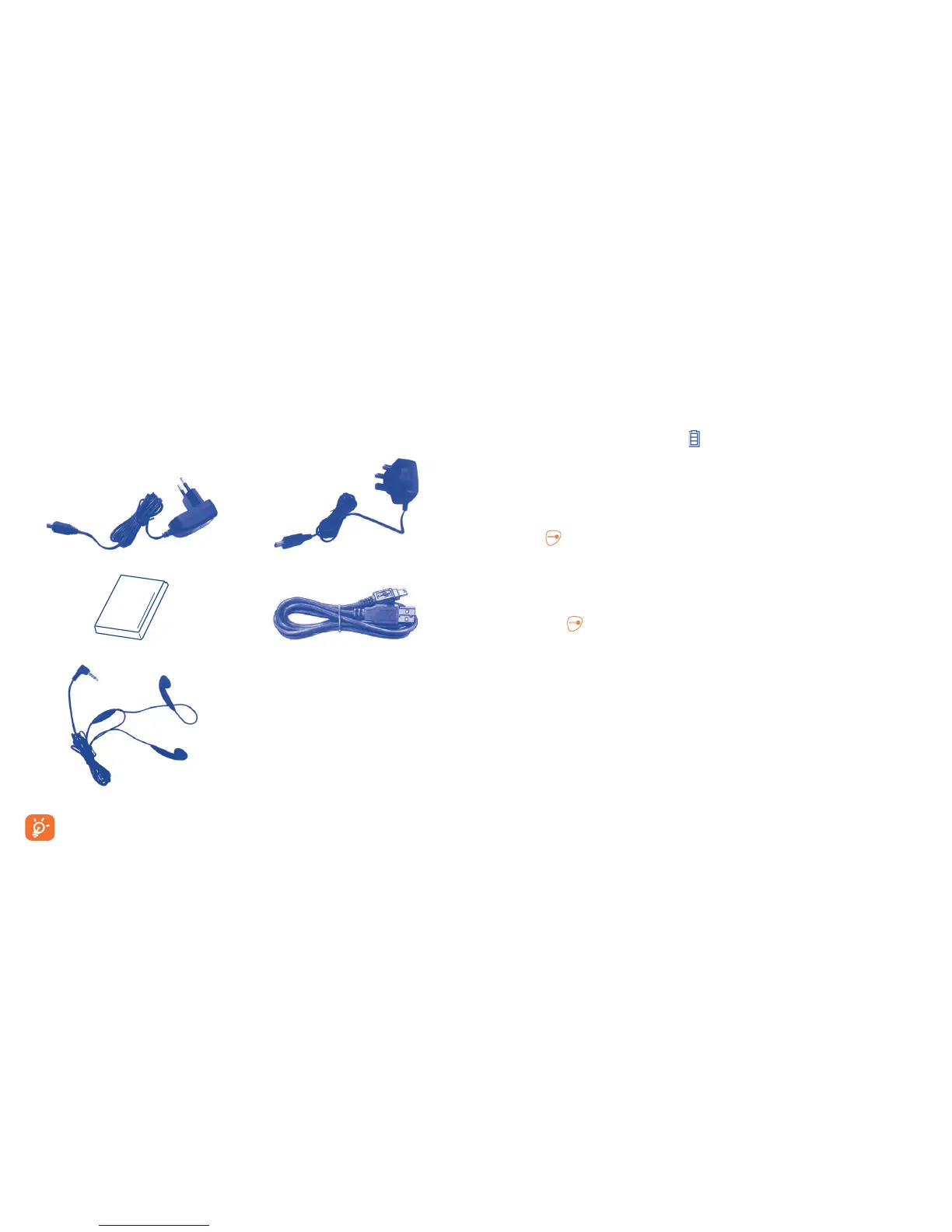
The latest generation of Alcatel GSM mobile phones offers a built-in
handsfree feature that allows you to use the telephone from a distance,
placed on a table for example. For those who prefer to keep their
conversations confidential, an earpiece is also available known as the
headset.
Standard charger UK charger
Battery USB cable
Stereo headset
Only use your telephone with Alcatel batteries, chargers and
accessories in your box.
(1)
Images for reference only.



 To Next Page