83 84
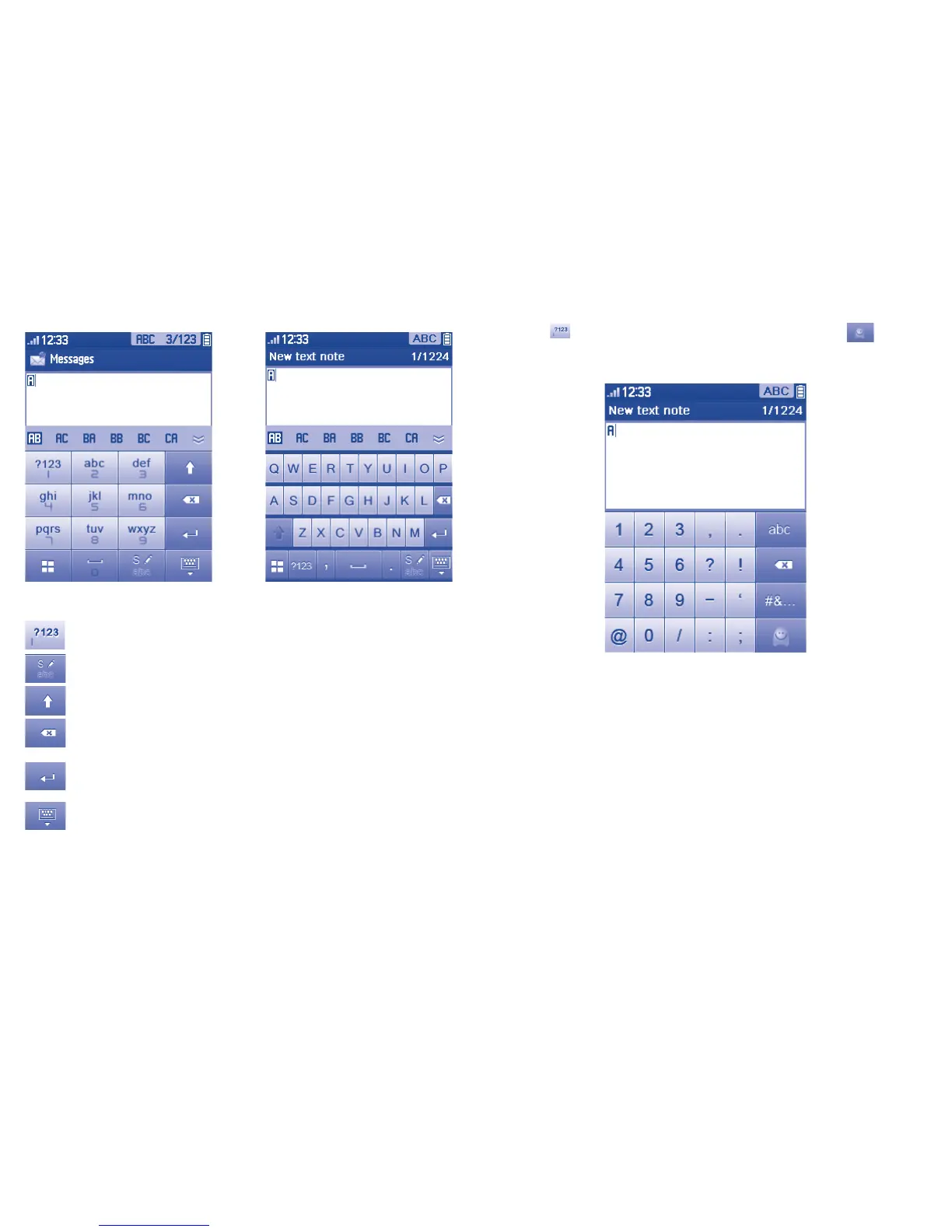
Symbol & Number table
Tap the
key to display the symbols & number table; Tap to access
emoticon list
(1)
.
(1)
Icons would be automatically transformed to a textual one.
Touch inputting
Switch by dragging the keypad from right to left ®
Access the Symbol and number table
Switch mode of input method
Switch between ABC/abc/Abc
- Tap to delete one by one
- Long touch to delete all
Confirm an option
Switch to a new line (in SMS/ Email/IM)
Close input keypad



 To Next Page