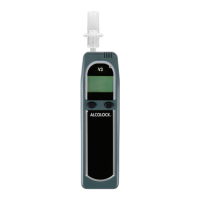
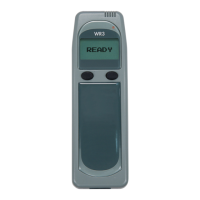
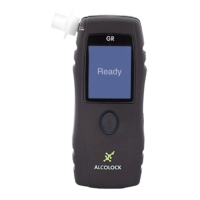
ALCOLOCK GR5
HANDSET SLEEP MODE
The handset will automatically enter sleep mode shortly after
the ignition is switched off to conserve battery power.
To return the handset to an active mode:
1. Press the centre of the navigation button (hold for 4
seconds): the display will indicate Press UP button to
unlock.
2. Press upward on the navigation button: the display will
indicate Press DOWN to unlock.
3. Press downward on the navigation button to complete
the activation.
ASSISTANCE
Contact your Service Centre or toll free line whenever you
require assistance.
INSERTING THE MOUTHPIECE
When the handset is ready for a breath test,
remove the mouthpiece from the bag and
insert it as shown below:
• Insert a mouthpiece into the sampling
port on the upper left side of the
handset
• Slide the mouthpiece into place and turn
it slightly to secure
• Do a visual check to ensure that the
mouthpiece ts properly
WARNING! Using a contaminated mouthpiece could
affect the results of the breath test.


 To Next Page