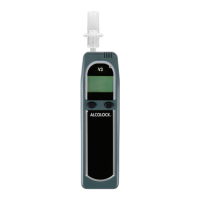
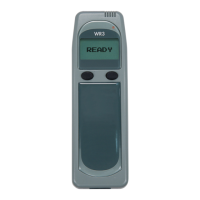
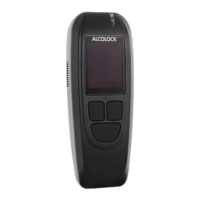
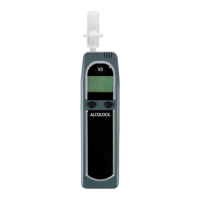
ALCOLOCK GR11
MENU OPTIONS
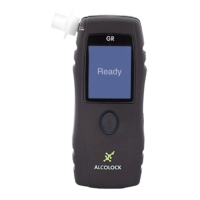
To access the menu options, press right on the navigation
button. The Main Menu contains the following menu options:
• Power down
• Dates
• Reset
• Service
NOTE: Not all options will be accessible.
POWER DOWN
This menu option is used to manually power down the
handset. Select MENU and press the centre of the navigation
button (Enter). A 3 second countdown will be displayed as
the handset powers down. If you do not wish to shut down
the handset at this time, select BACK by pressing left on the
navigation button.
To re-activate the handset, press the centre of the navigation
button (Enter) and hold for 3 seconds.
DATES
This menu option lets you view service dates and other
important dates and times. In the Main Menu, press
downward on the navigation button to select Dates and press
the centre of the navigation button (Enter). The following
dates are displayed:
• Current
• Last calibration
• Calibration expiry
• Service (your next scheduled service appointment)
• Service lockout (the date at which the unit will enter
service lockout)


 To Next Page